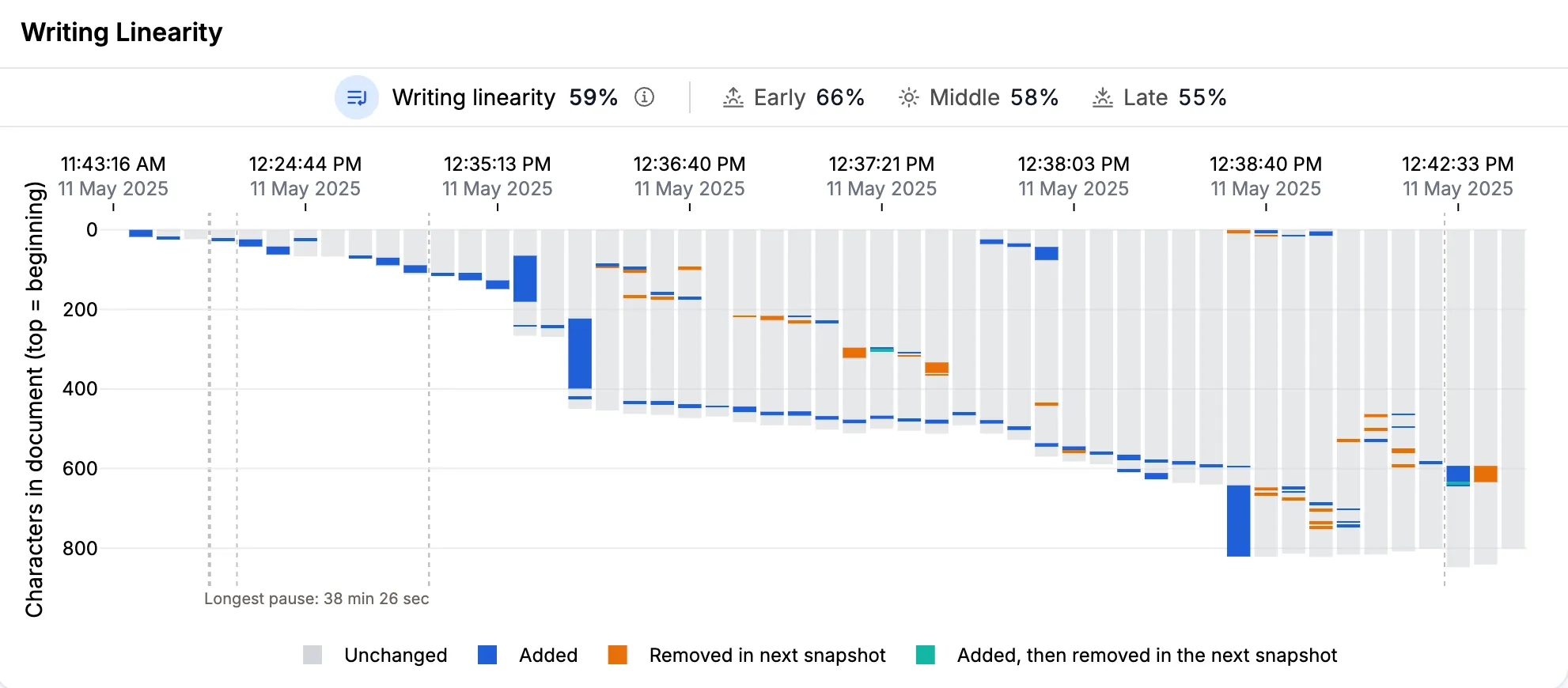
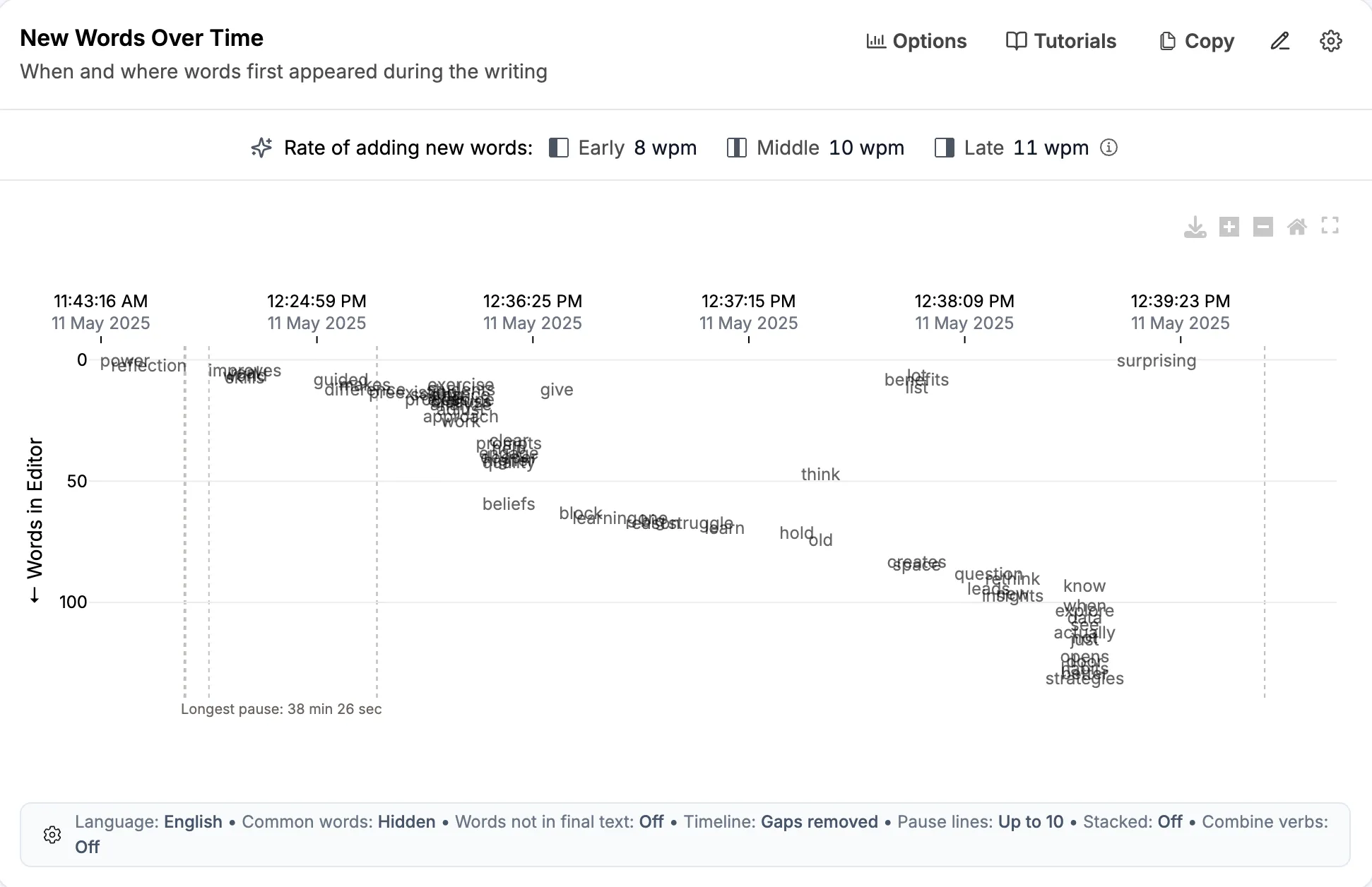
While reading a writing process report, you may not understand several sections. For example, if you don’t know what writing linearity means, you might skip it altogether. If so, you are not alone.
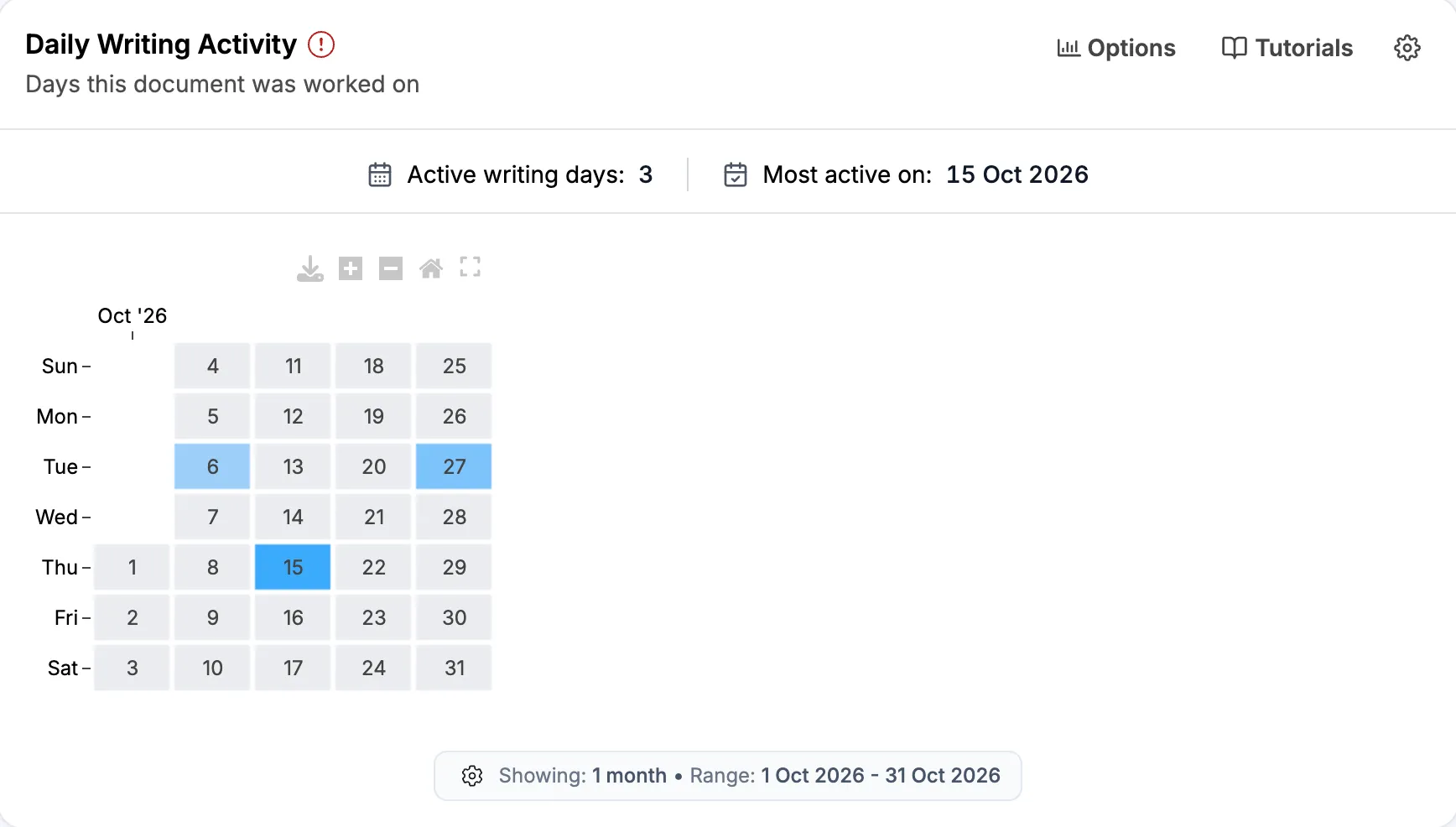
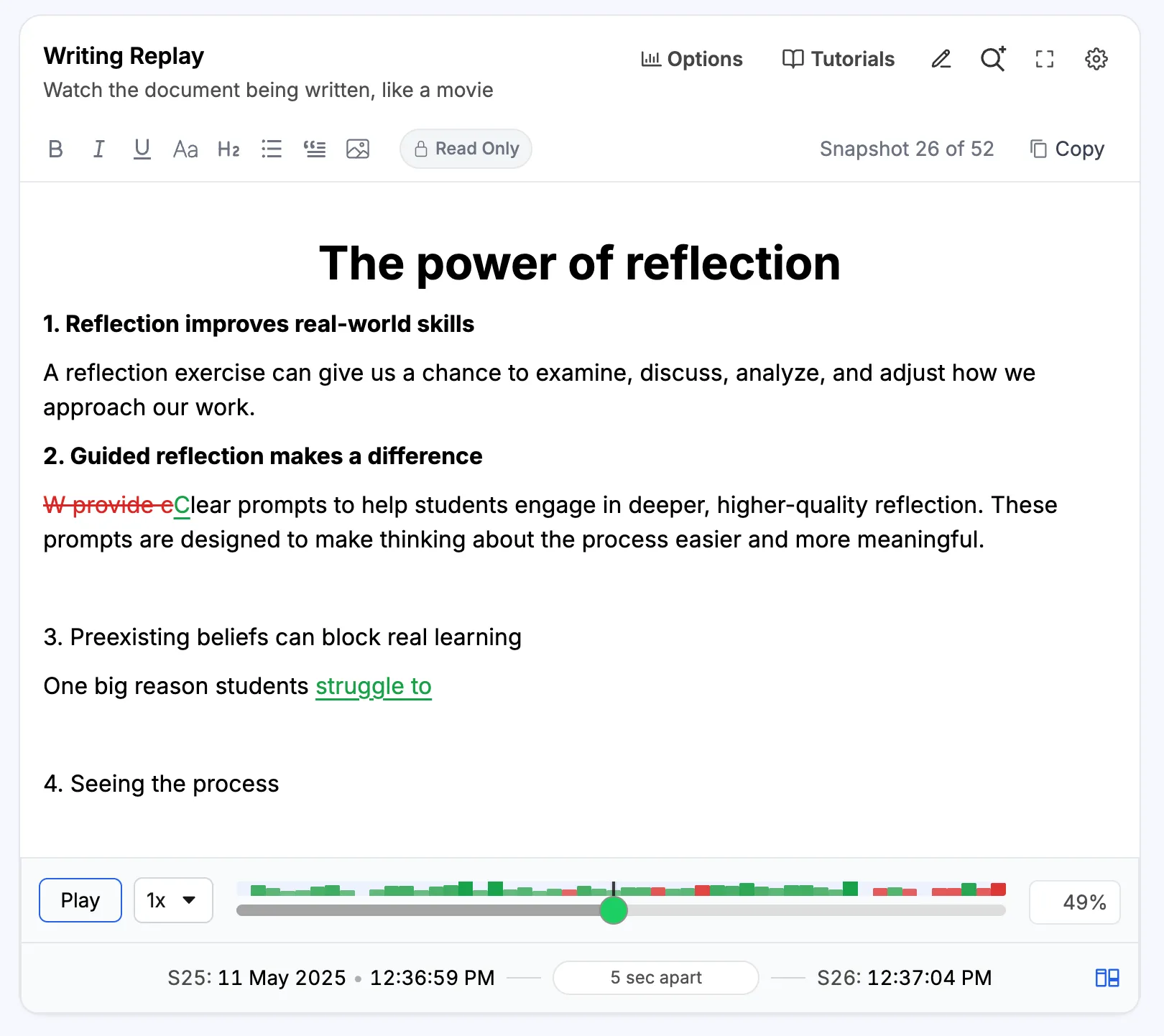
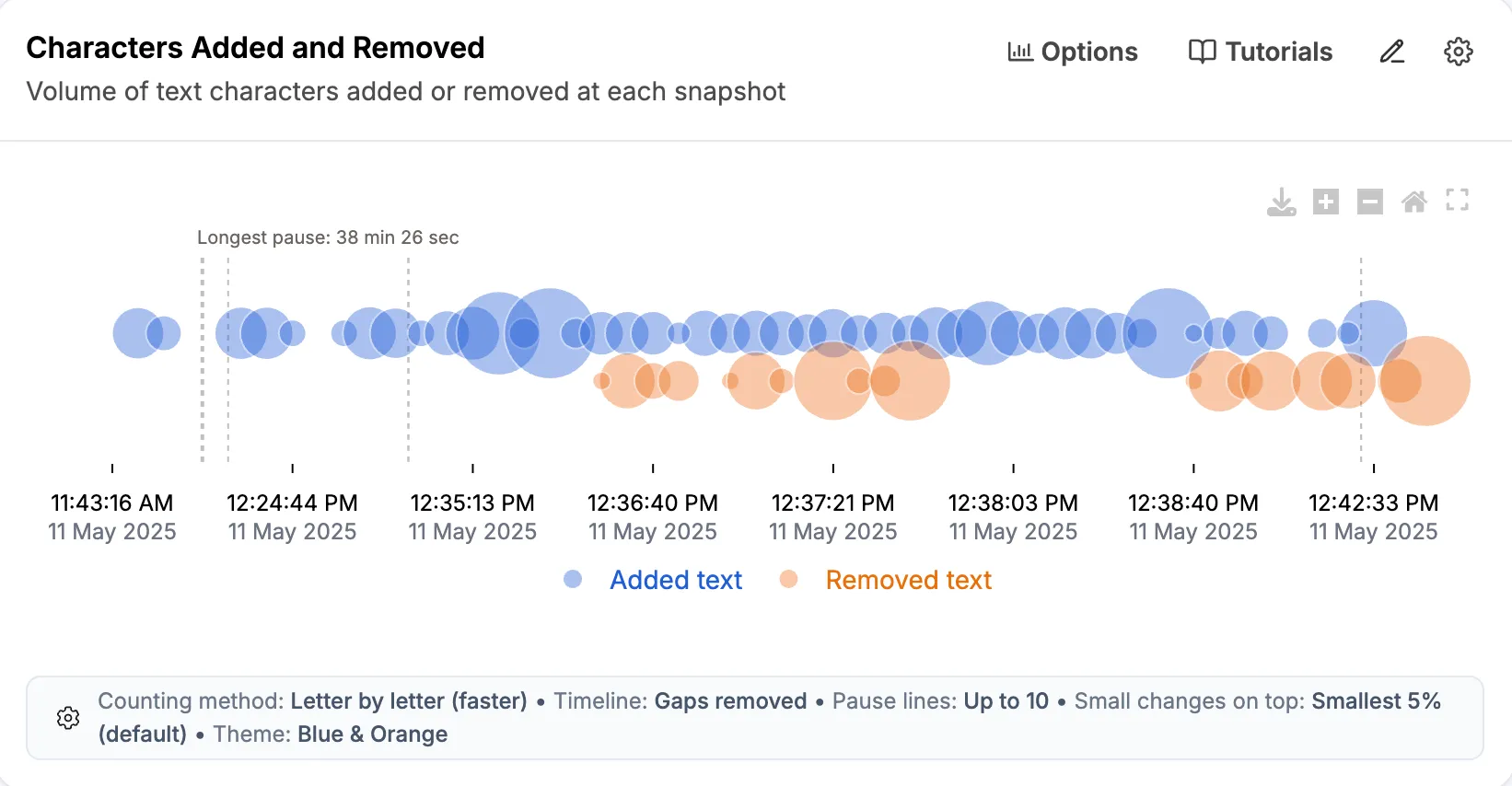
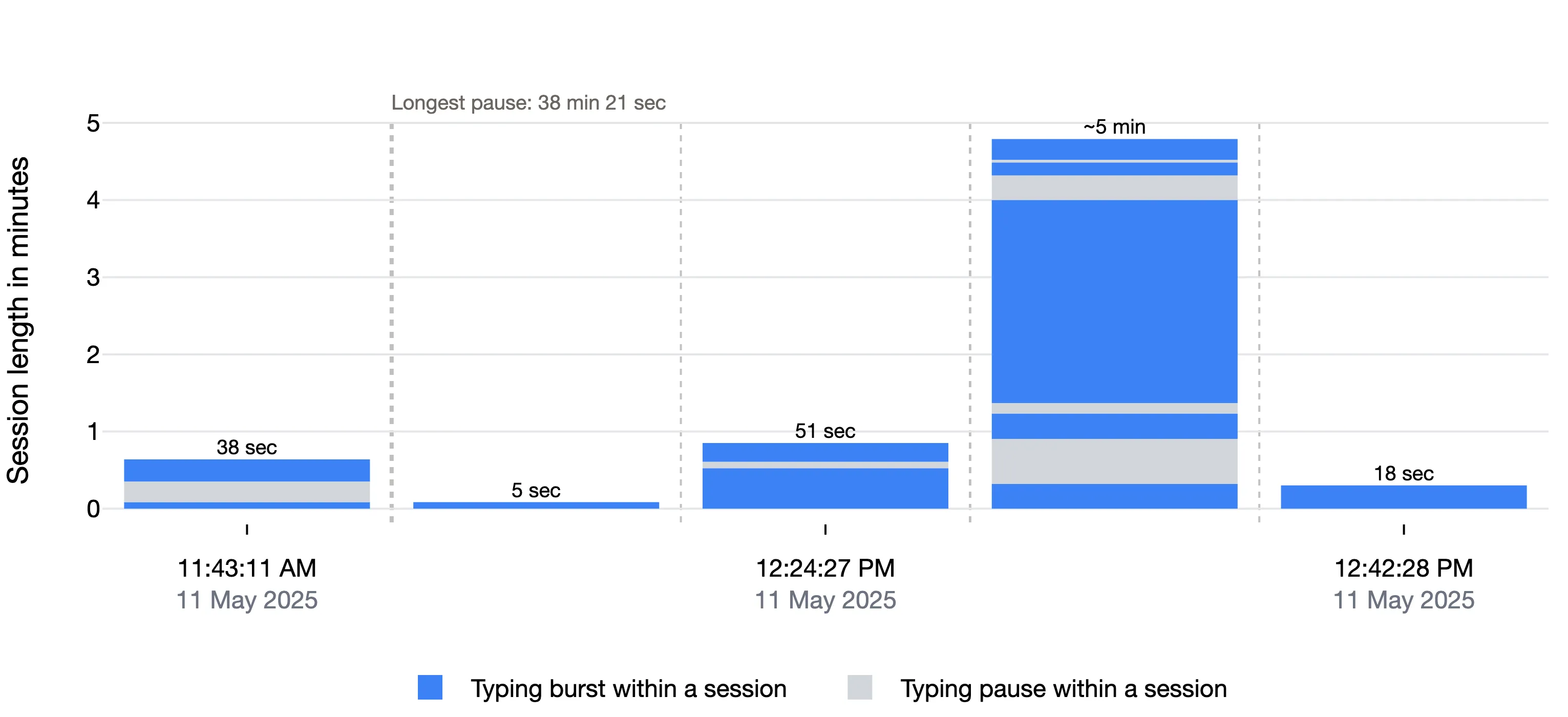
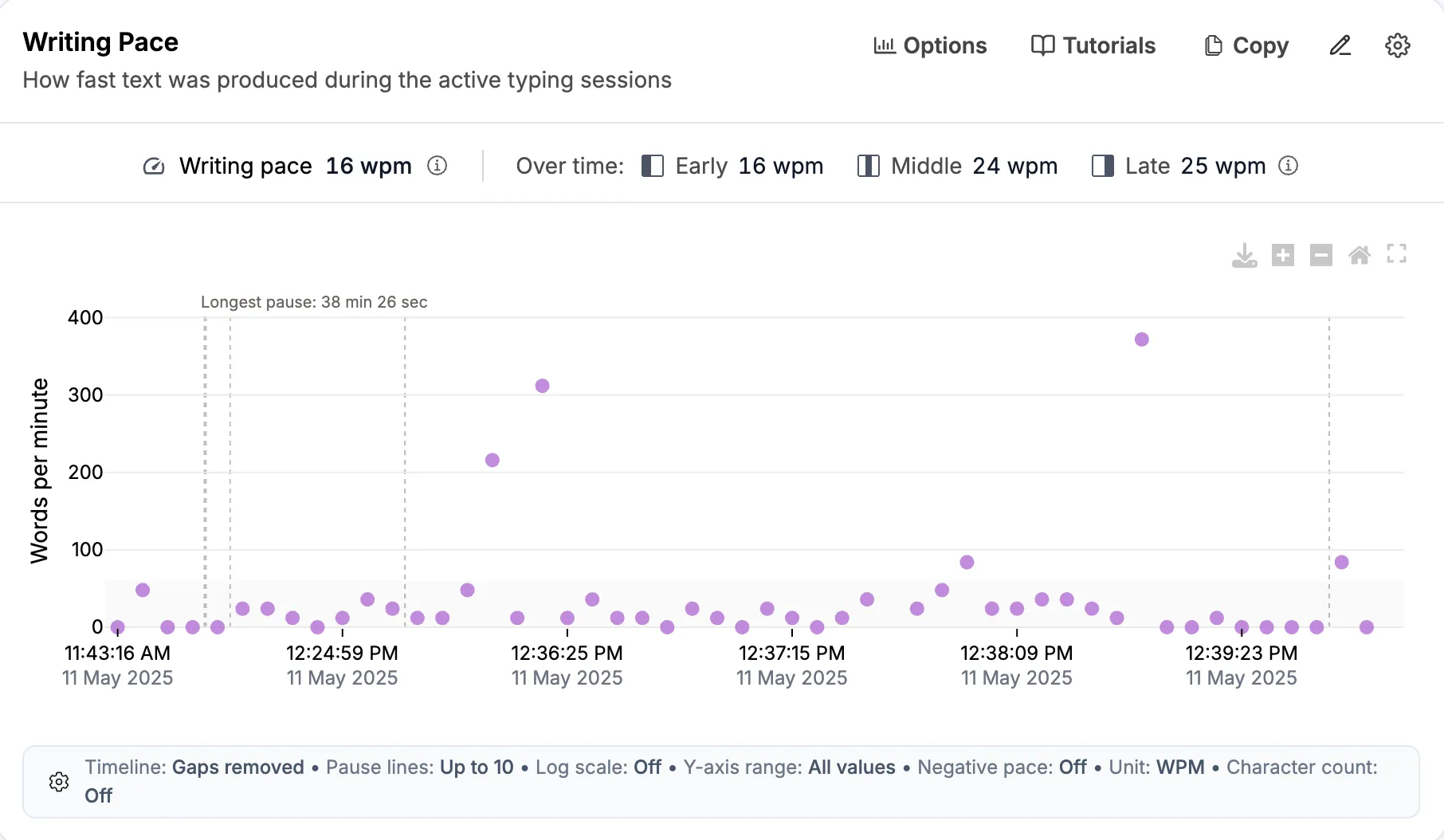
Most charts in the report are new to teachers and students, and some sections are difficult to read without an explanation. Our glossary explains terms you will see in the report.
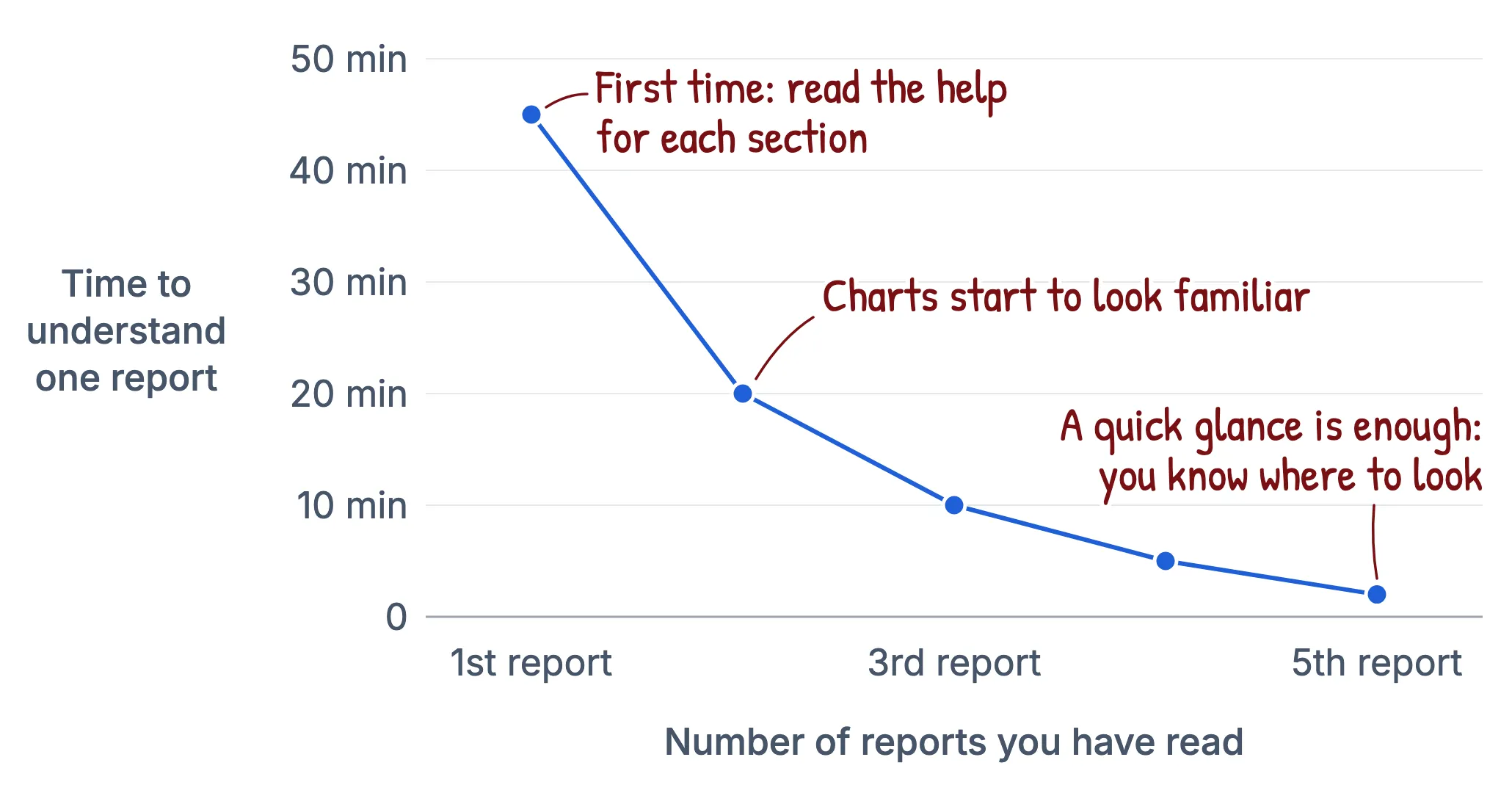
The first report you read may take about 45 minutes. Because many of the terms, tables, and charts are new, you may have to read the help for each section as you go. Once you are familiar with them, the second takes about 20 minutes, and the third about 10.
After about five reports, a quick glance is often enough to notice the patterns in the writing process. For teachers, knowing the report well means you can spot these patterns in students’ reports much faster.
Where to start?
If you don’t have time to read every help page, start with these three steps.
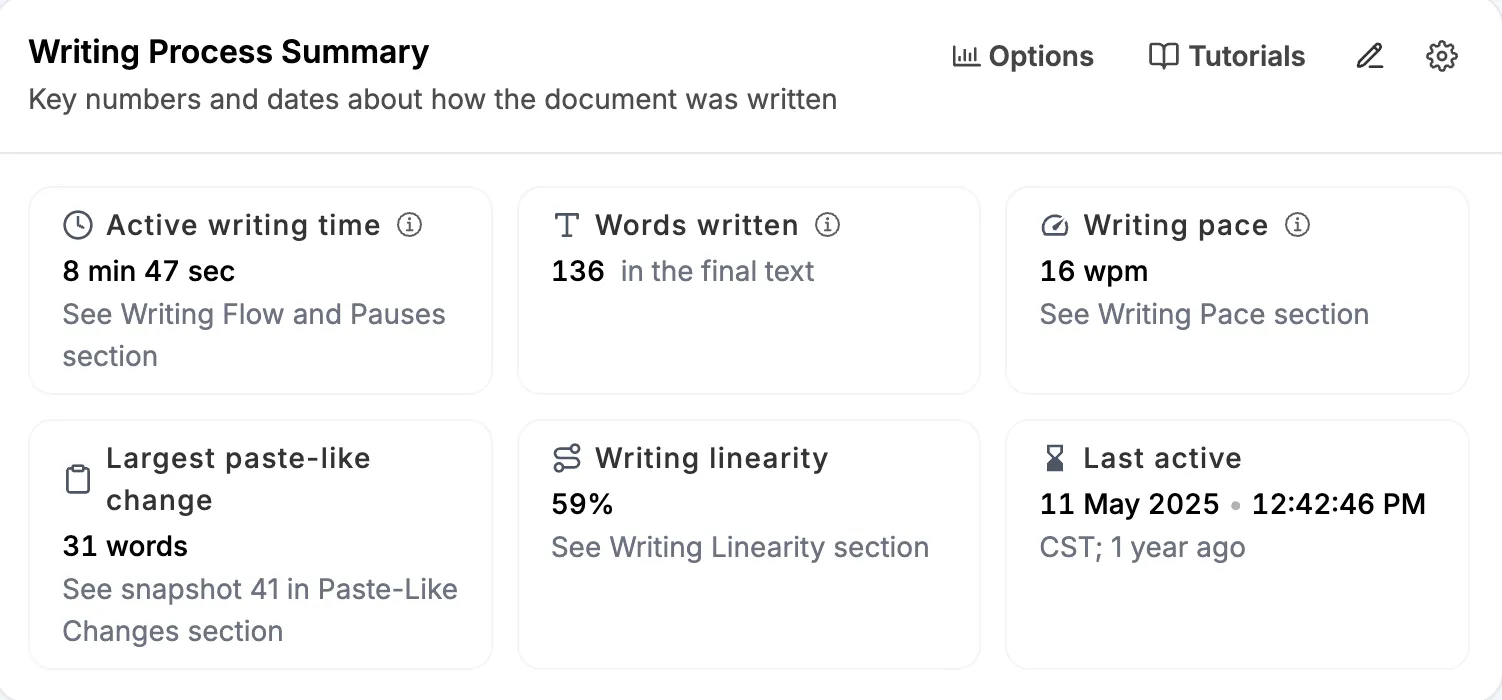
Step 1. Open the sample student report and explore the various sections of the report.
Step 2. Learn about writing linearity and read through the example student reports.
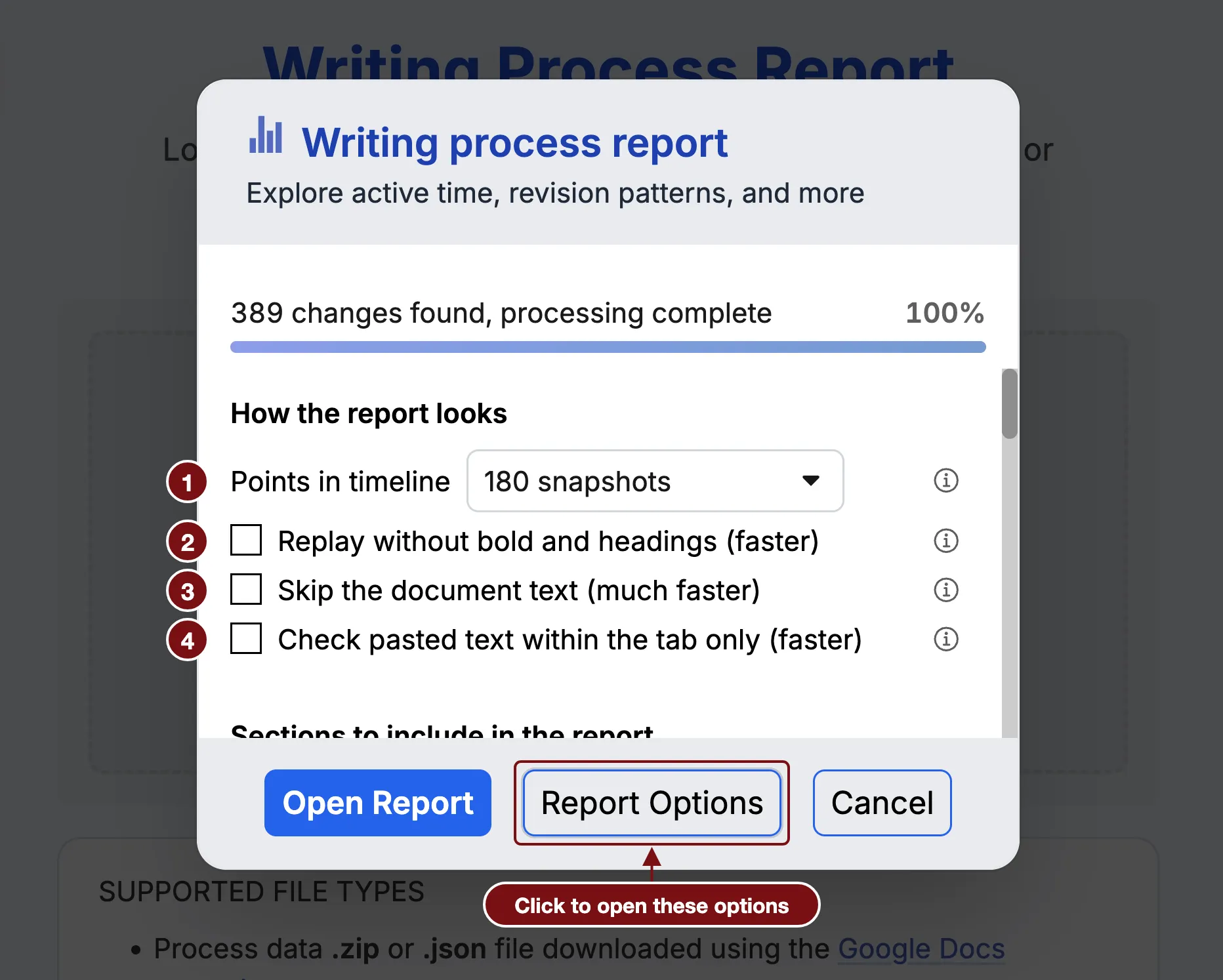
Step 3. Learn what a snapshot is and how to change Report Options.