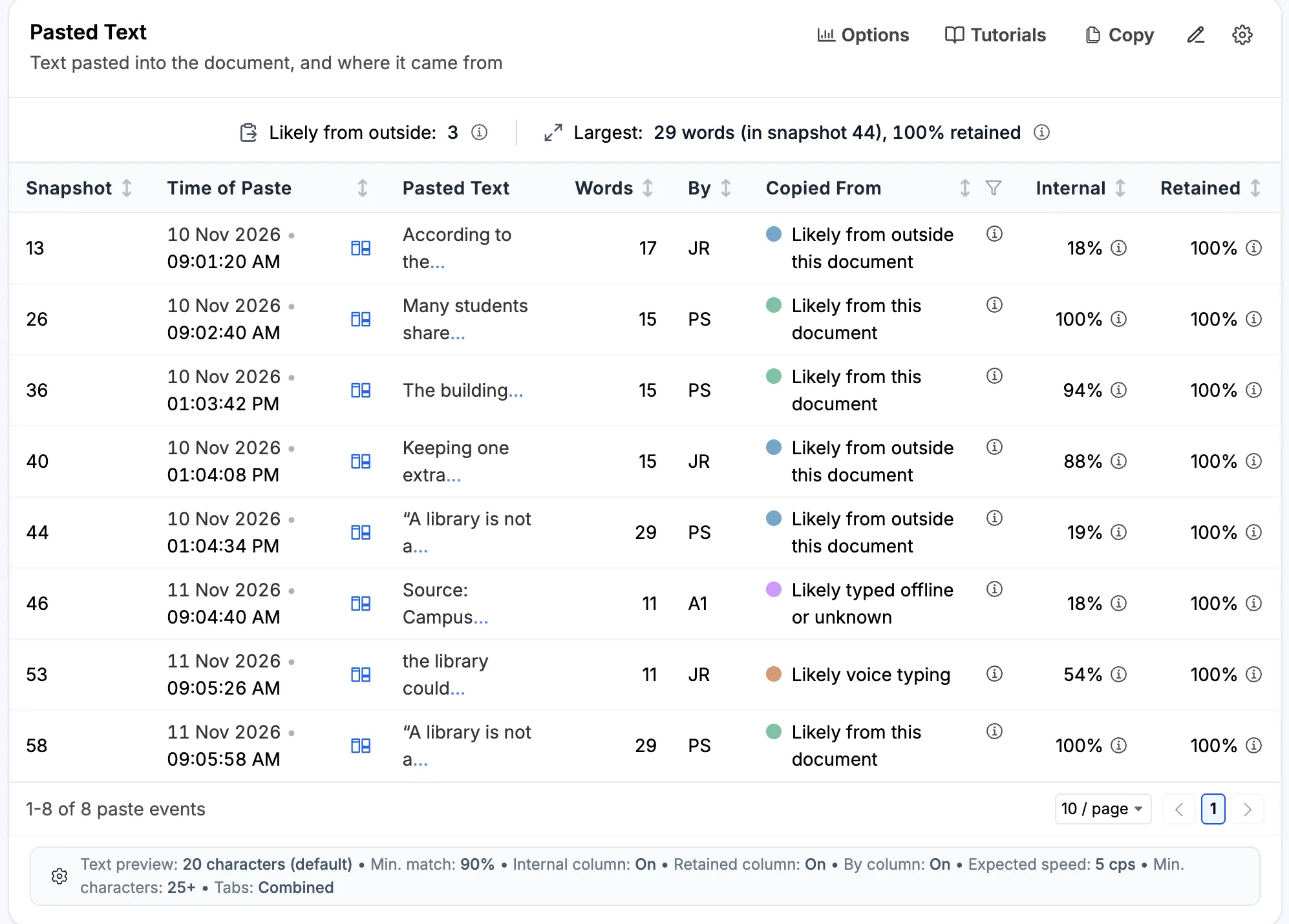
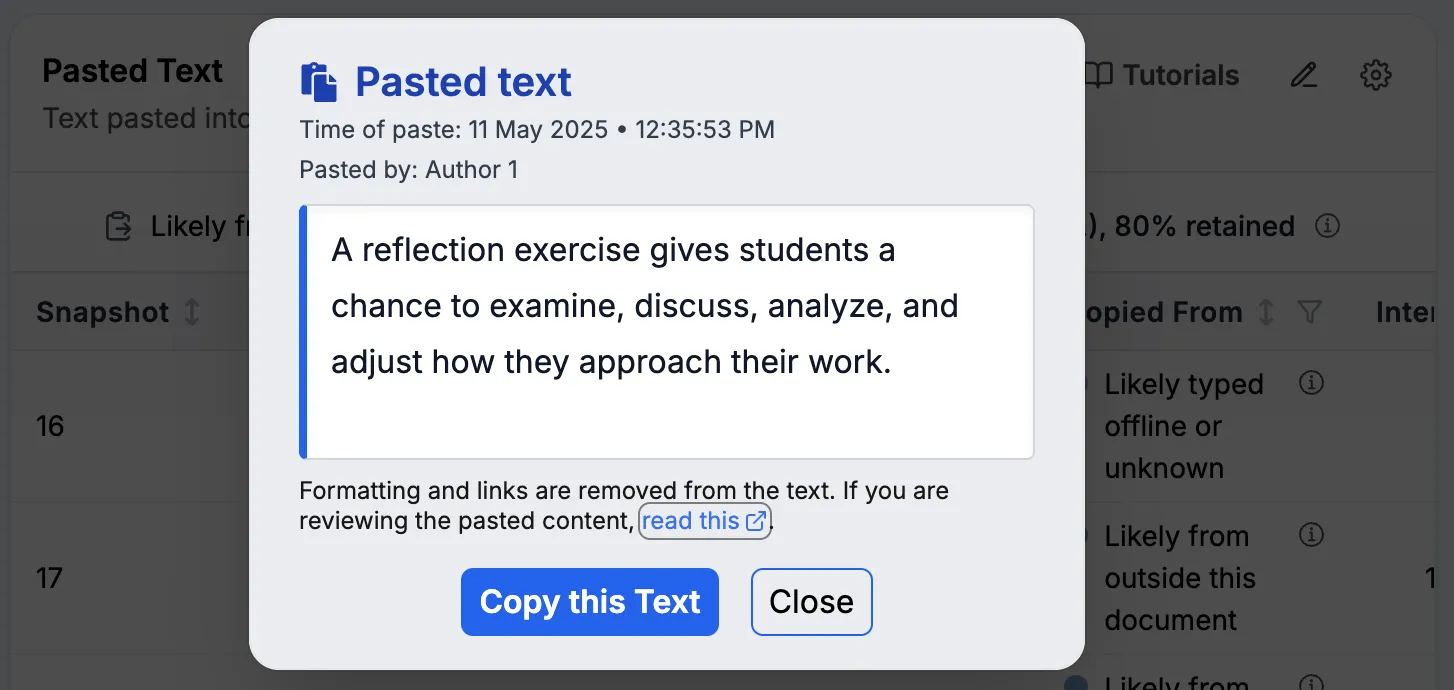
Clicking the pasted text in the Paste-Like Changes (or Pasted Text) section opens a window that looks like the one below. It shows the text, the time it was added, and who added it when that information is available.
Use the text for further analysis
You can click Copy this Text to copy the passage for additional analysis, such as detecting AI use or comparing it with a source, notes, or other text. The copied passage is plain text. Formatting and links are removed, so check the original document if you need those details.
Why the text may be missing from snapshots
Text shown in this window may be absent from the final document and from the snapshots shown elsewhere in the report.
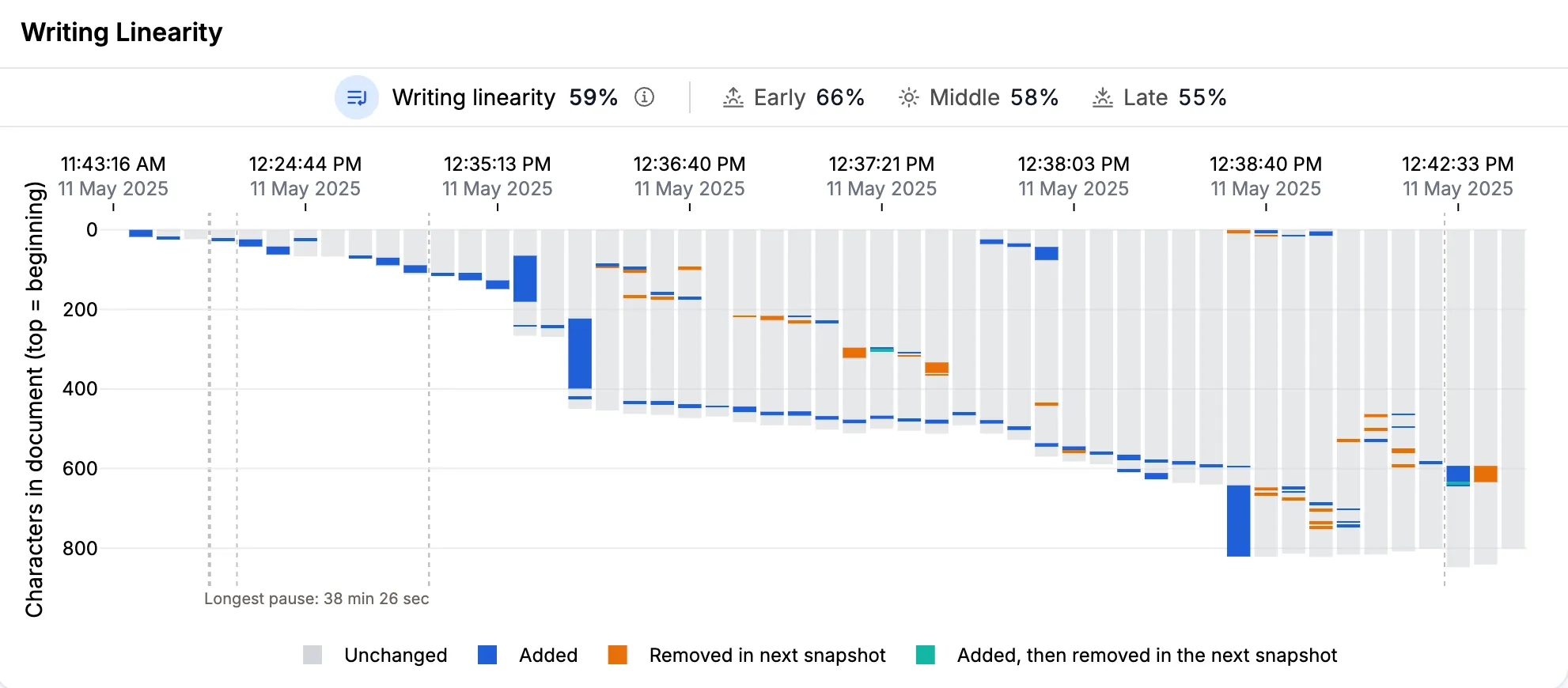
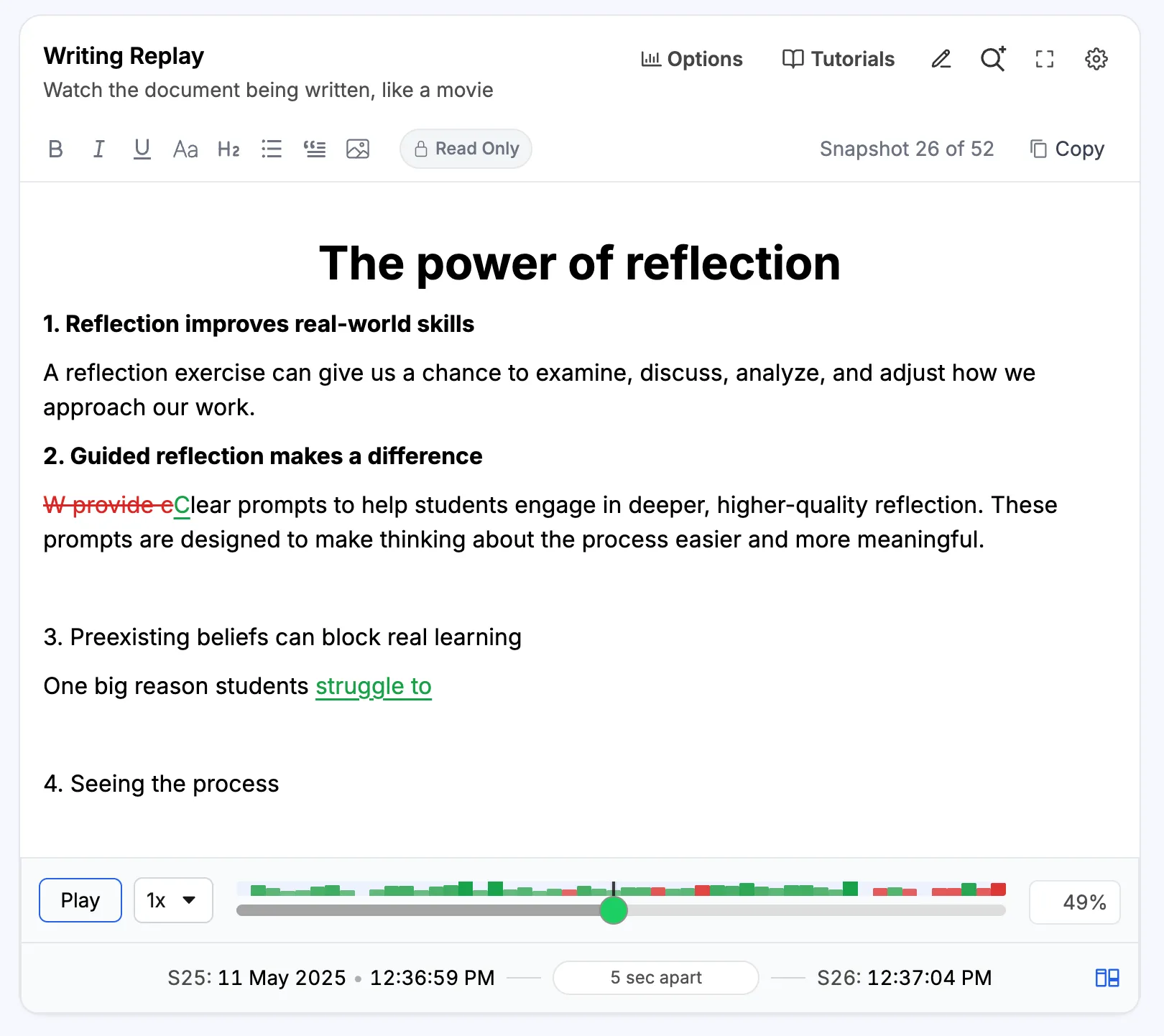
Process Feedback shows snapshots at intervals of at least five seconds. By default, it does not show every change. If a student pastes text and deletes it immediately, both actions can fall between two selected snapshots. The list of pastes will show the text, but neither snapshot will contain it.
For example:
- Process Feedback picks one snapshot at 5:10:00 PM.
- The student pastes a passage at 5:10:01 PM and deletes it immediately at 5:10:03 PM.
- Process Feedback picks the next snapshot at 5:10:05 PM.
- The passage is absent from both snapshots.
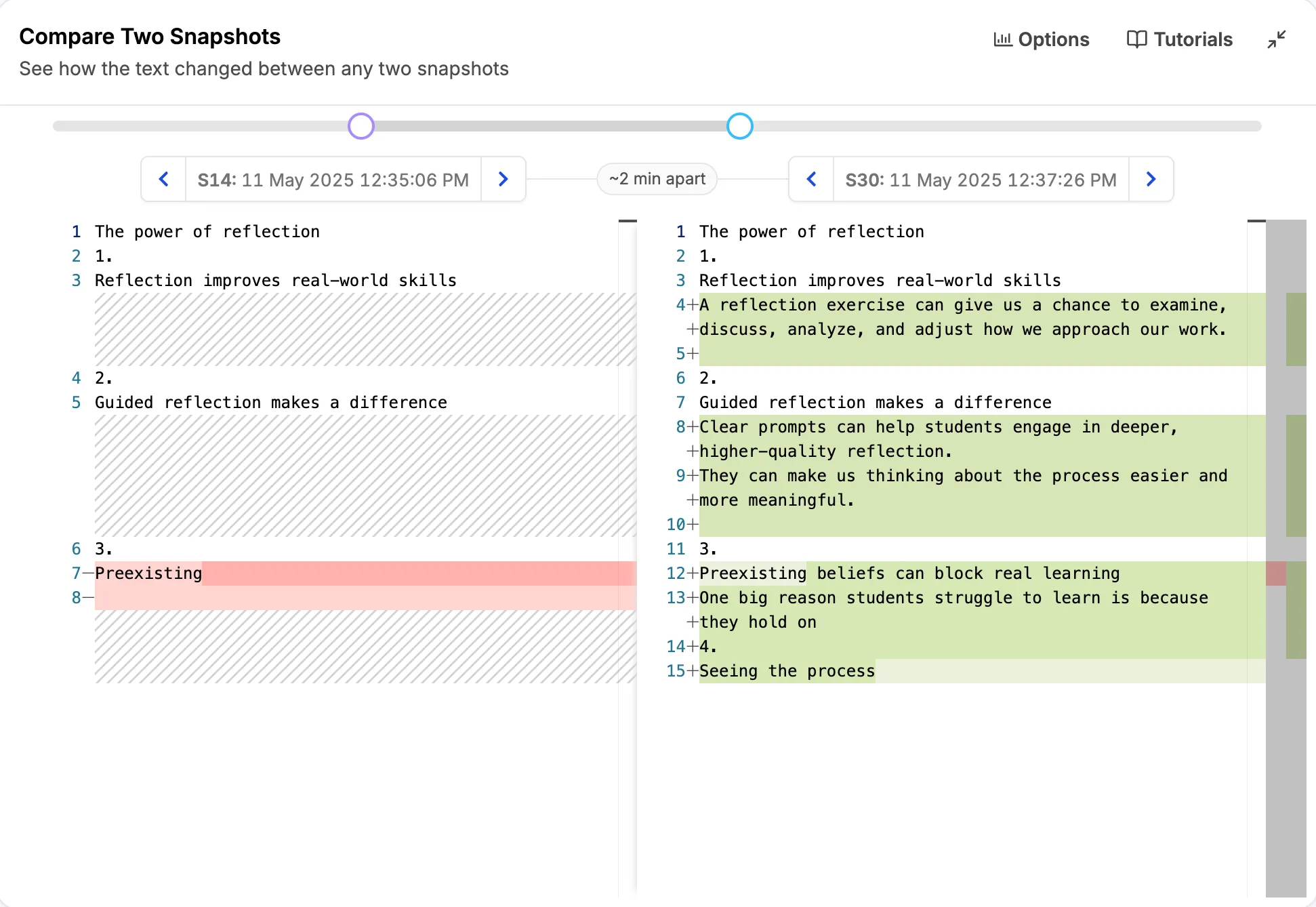
This means you may not see the passage in Writing Replay or Compare Two Snapshots. The snapshot number next to a paste points to the nearest snapshot; it does not guarantee that the snapshot contains the pasted text.
Two ideas for checking where it was pasted
For a Google Docs document, you may need the advanced explorer. Google records changes in more detail than the snapshots selected for the report.
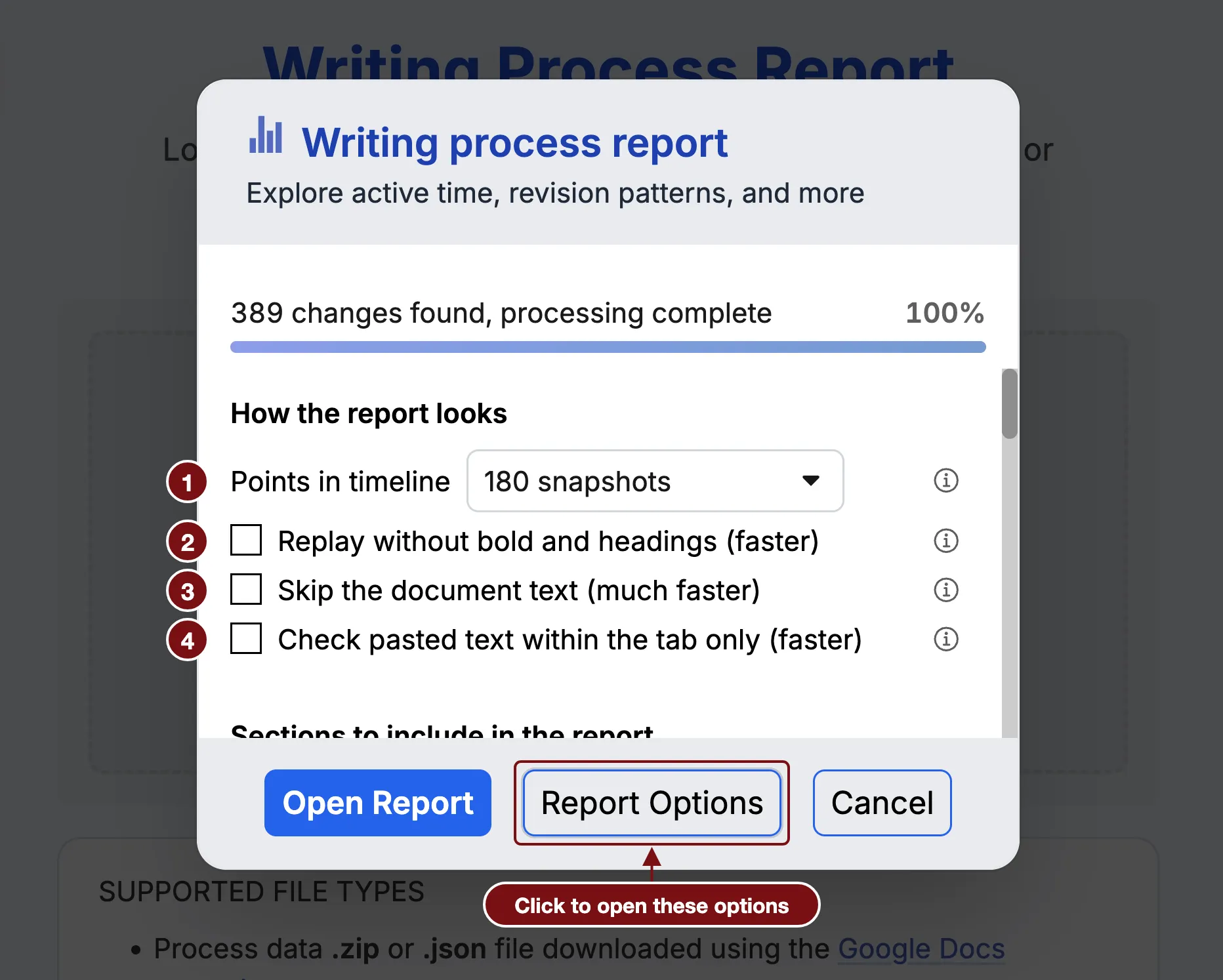
Increasing Points in timeline can show more snapshots, but the report still keeps them at least five seconds apart.