Online writing space for your students
Create a writing space that shows editing time, paste events, and more. Students can generate a writing process report (or authorship report) to reflect on their writing process. No accounts or installations are required.
No accounts required for you or your students
One reusable link for a full term
Writing process and authorship report
Shows your course name and colors
Creating a custom writing space is recommended but optional
Why did we develop this option for teachers to create a custom writing space? Teachers can simply ask their students to use the Process Feedback document editor without creating a custom writing space.
But we recommend you create a custom writing space for your course because it can help your students feel like they are using a dedicated space for completing their work in your course. The custom writing space can display your course name in the editor in a color theme that matches your institution's color scheme.
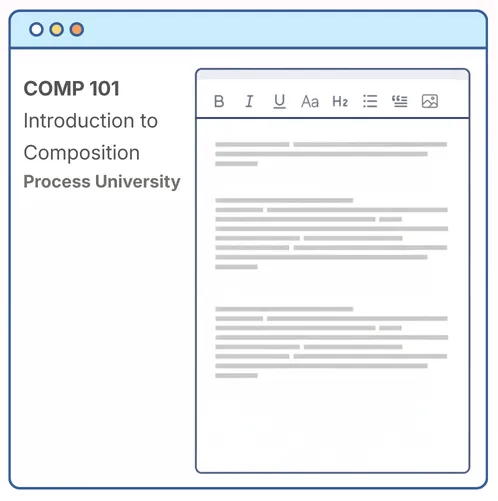
Use this option if:
-
You want students to see the course name displayed in the editor -
You want to use a color theme that matches your institution's color scheme -
You want a dedicated writing space for your course or assignment that you can reuse for a full term
No accounts required for teachers or students
Creating a custom writing space is fast and free. You do not need to sign up, and neither do your students. Once you set it up, you get one reusable link that you can share with your class for the entire term.
Setting up a custom writing space means:
-
No teacher accounts, emails, or logins to manage -
Students open the shared link and start writing right away -
Takes two minutes to set up a custom writing space for your course

I've used this on just one assignment with my students, but it's been incredibly helpful for seeing some of their drafting process.
★★★★★ 5.0 rating · Dec 2025
Verified Chrome Web Store Review
Students feel like they are in your course when working
A custom writing space carries your course name and color theme, so students feel like they are writing inside your course rather than on a generic website. That small sense of belonging keeps the focus on their work and on the writing process.
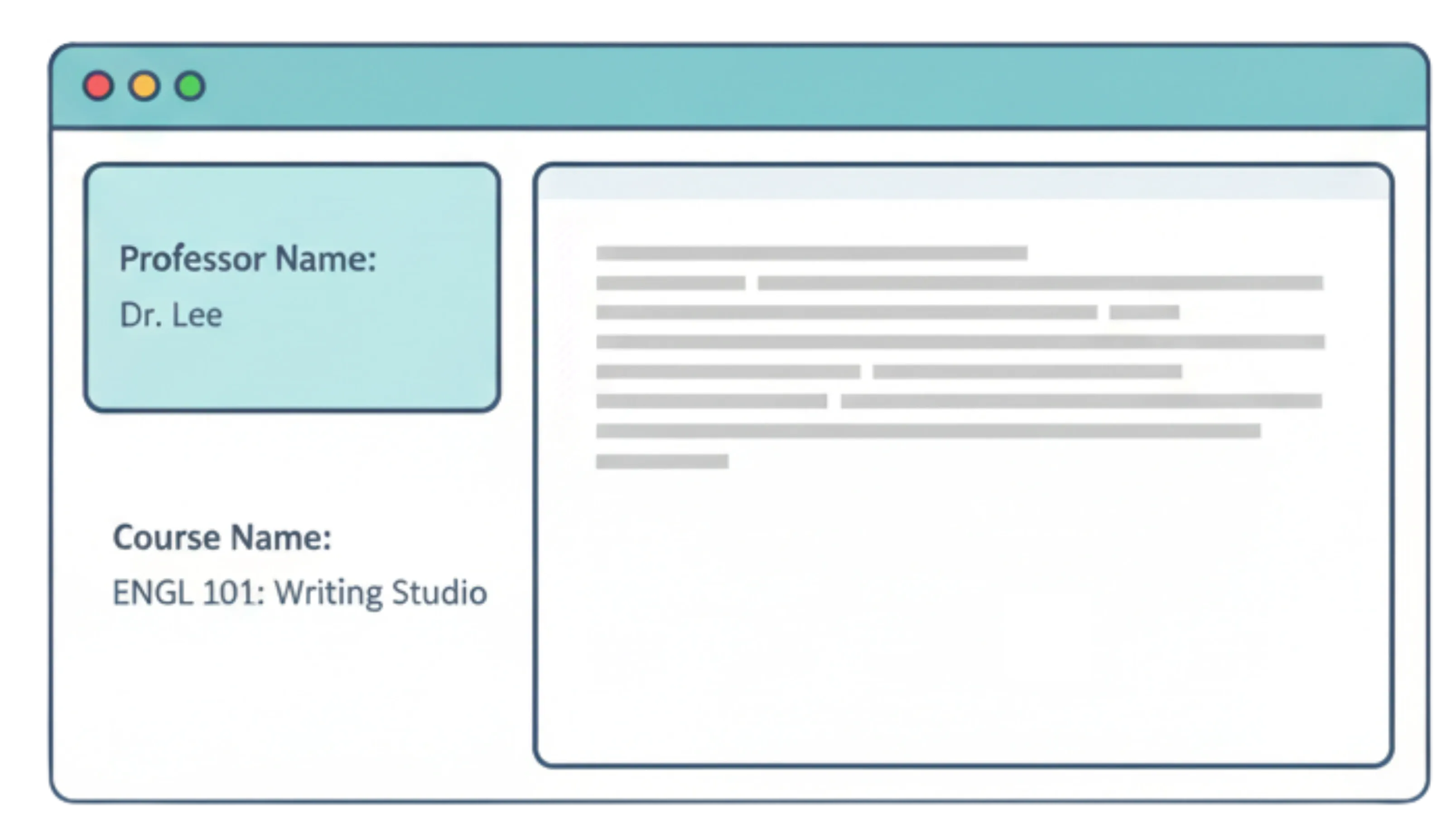
Teachers prefer a custom writing space because it:
-
uses one reusable link for an entire term; -
requires no student accounts, emails, or logins; -
displays the course or teacher name inside the editor; and -
provides a familiar, distraction-free writing environment.
Find how engaged your students are throughout the term
With Process Feedback, you have access to every student's writing process on every assignment throughout the term. That full record of how your students actually work, not just their final drafts, is the real signal of engagement, showing how much time they spent, how much they revised, and how the writing came together for each piece of work.
Having every student's writing process across the term lets you:
-
See time-on-task and revision effort for each assignment, not just the final draft -
Track how a student's engagement holds up from the first assignment to the last -
Notice when a student's effort starts to drop, so you can reach out sooner

Offers data to improve your course and your teaching
Being able to see your students' successes and struggles can be eye-opening in many ways. You can refine your course based on how your students learn, think, and debug.

By seeing how students complete their work, you can:
-
Identify common struggles and adjust your teaching accordingly -
Provide targeted support based on real student data -
Recognize patterns in problem-solving to improve instruction
Helps your students become reflective and reflexive thinkers
Plagiarism prevention and academic integrity policies alone don't inspire students, but meaningful reflection does. Process Feedback provides process-level data, enabling students to analyze and improve their working process.
When students reflect, they:
-
Develop metacognition, understanding how they think and learn -
Strive for process excellence, not just the final product -
Gain transferable skills that extend beyond the classroom

Frequently Asked Questions

See it in action
See a sample writing space for English 101, or read the step-by-step guide.