Integration with Moodle
Three options for teachers and students to use Process Feedback in Moodle
Native Moodle plugin
Free one-term pilot
No AI detection scores
VPAT & HECVAT reports
Options for Moodle users
Process Feedback offers three options for teachers and students to use Process Feedback in Moodle. None of the options require student accounts, and the first two run entirely in the browser.
-
Option 1. Your Moodle admin installs our Moodle plugin -
Option 2. Students and/or teachers install and use our free Google Docs extension -
Option 3. Students use our free online editor to complete their work
Option 1. Moodle plugin
Our Moodle plugin is installed by your institution's admin directly into Moodle. It is listed in the Moodle marketplace, so admins can find and install it there like any other Moodle plugin. Students don't need to install anything. The plugin works natively within Moodle assignments and captures writing process data locally on each student's device.
| Key feature: | Works 100% in the user's browser; we don't collect or store any student data on our servers |
| Data collection: | Yes, but stored only on each student's device |
| Who installs: | Institution admin |
| Accounts required: | No |
| Teacher dashboard: | Yes, also runs locally in the browser |
Option 2. Google Docs
Since Google automatically collects writing process data, students can continue to use Google Docs as usual, without installing anything extra. Anytime after a writing project, students or teachers can use the Process Feedback for Google Docs extension to explore the writing process.

| Key feature: | Nothing to install ahead of time; students use Google Docs as usual |
| Data collection: | No, not by default |
| Who installs: | Students and/or teachers |
| Accounts required: | No |
| Mobile devices: | Yes, supported by Google Docs |
| Students submit: | Google Docs edit link, process data ZIP, writing report link, or report PDF |
| Teacher dashboard: | Yes |
Option 3. Process Feedback's online writing space
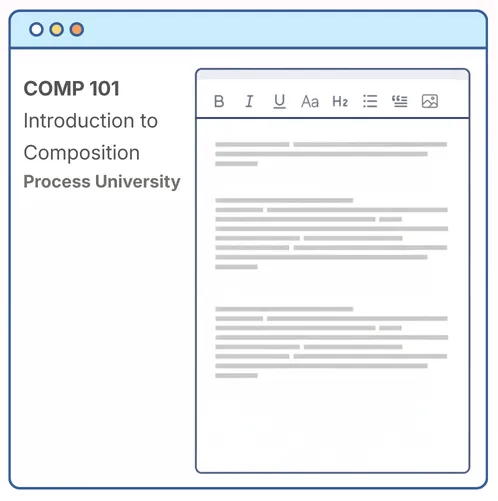
The Process Feedback editor is an online writing space for assignments where the writing process matters. As students write, the editor can generate a "writing process report" that they can review themselves or share with others for reflection, feedback, or discussion. Teachers decide how (or whether) to use the writing process report for feedback, discussion, or assessment.
| Key feature: | Local-first architecture respects student privacy |
| LTI v1.3 core: | Optional |
| Accounts required: | No |
| Students submit: | Automatic submission, process data ZIP, writing report link, or report PDF |
| Teacher dashboard: | Yes |
Ready for institutional review
When a school, district, college, or university needs a formal deployment, an institutional agreement covers it: a signed Data Privacy Agreement, documentation for procurement review, scheduled audits, deployment support, teacher training, and more.

-
Accessibility report (VPAT) available upon request -
Data security report (HECVAT) available upon request -
Alignment with FERPA and COPPA in the U.S., GDPR in the EU, and APP in Australia -
Support for Data Processing Agreements -
A zero-data-collection tier for extensions and plugins, and a governed tier for LTI integration -
Free one-term pilots

Looking for the Moodle plugin?
One easy way to use Process Feedback in Moodle is to install and use our Moodle plugin.