Online editor for writing process and authorship report
Shows editing time, revisions, paste events, AI use, and more • For online and in-class writing
No account required for students or teachers
Academic integrity and authorship report
Writing process report and PDF export
Designed for reflection and discussion
What is the Process Feedback online document editor?
The Process Feedback document editor is an online writing space for students. As students write, the editor can generate a writing process report that students can review themselves or share with others for reflection, feedback, or discussion. Students do not need to install anything and do not need to create an account. Teachers can use the editor for in-class writing assignments or for take-home assignments.
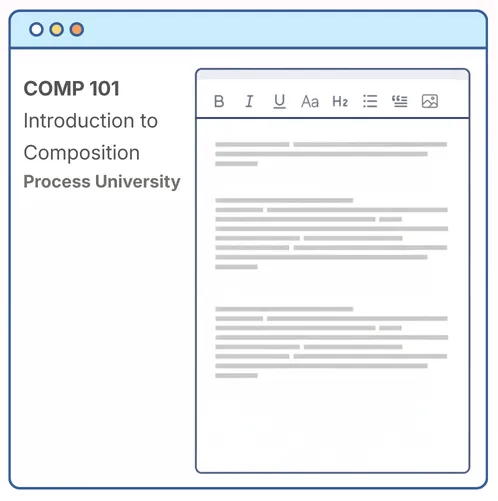
Teachers can use it in their class when they want to:
-
Emphasize revision and effort, not just the final draft -
Discuss writing habits or AI use openly -
Move conversations away from suspicion and toward learning -
Have their students submit a writing process report or authorship report
This is an excellent app; it shows students that we care about their learning and hard work on writing.
★★★★★ 5.0 rating · Dec 2025
Verified Chrome Web Store Review
Shows how students actually complete their work
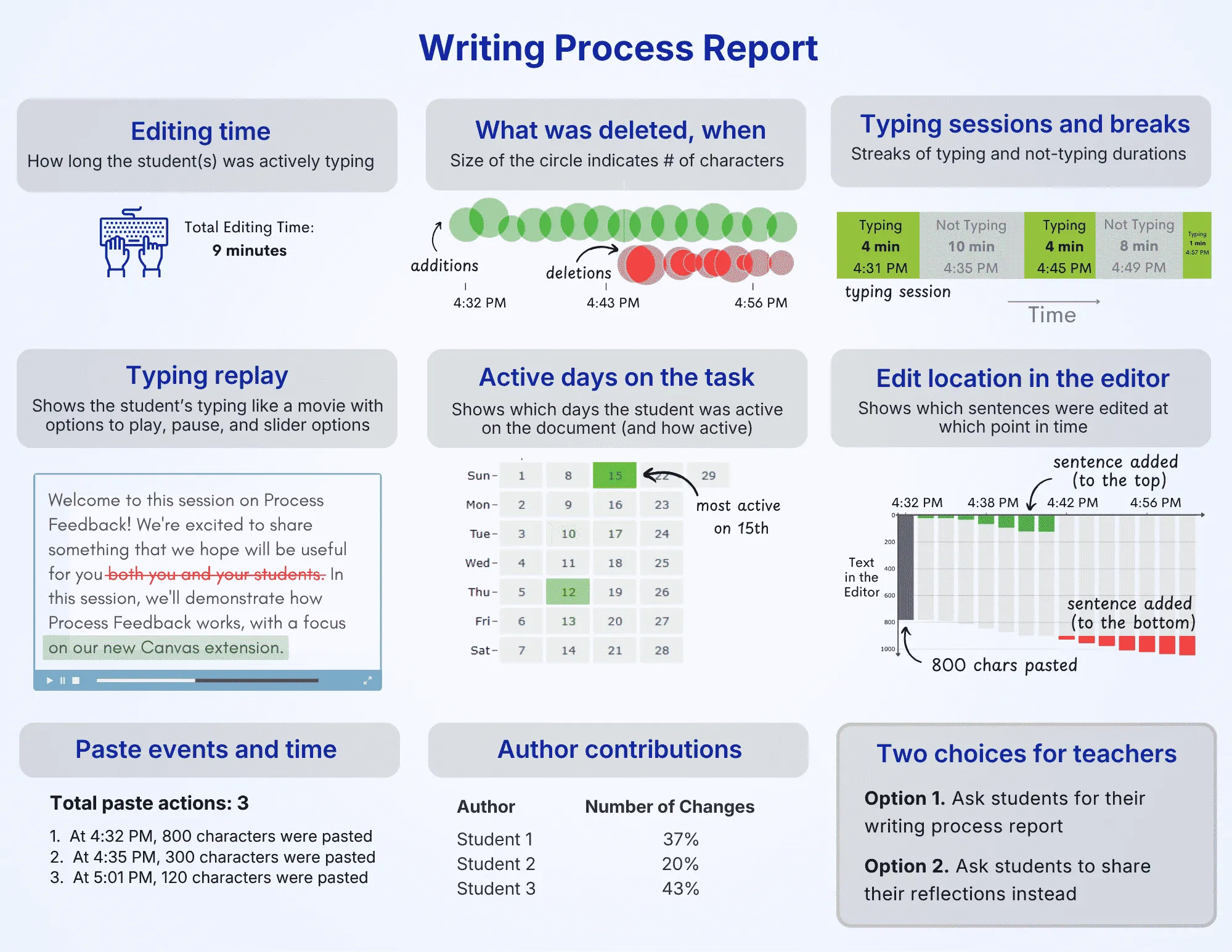
As students write, the editor records how their work develops. When they share their writing process report, teachers can see the effort behind a draft instead of guessing. The report is useful for feedback, grading conversations, or addressing concerns about AI use. Teachers don't need to ask students to share their report, though. Students can simply review and reflect on the report on their own and share the reflection instead of their writing process report.
A student's writing process report shows:
-
Editing time and revision effort -
Paste events and how the draft evolved -
A shareable report link or a downloadable PDF
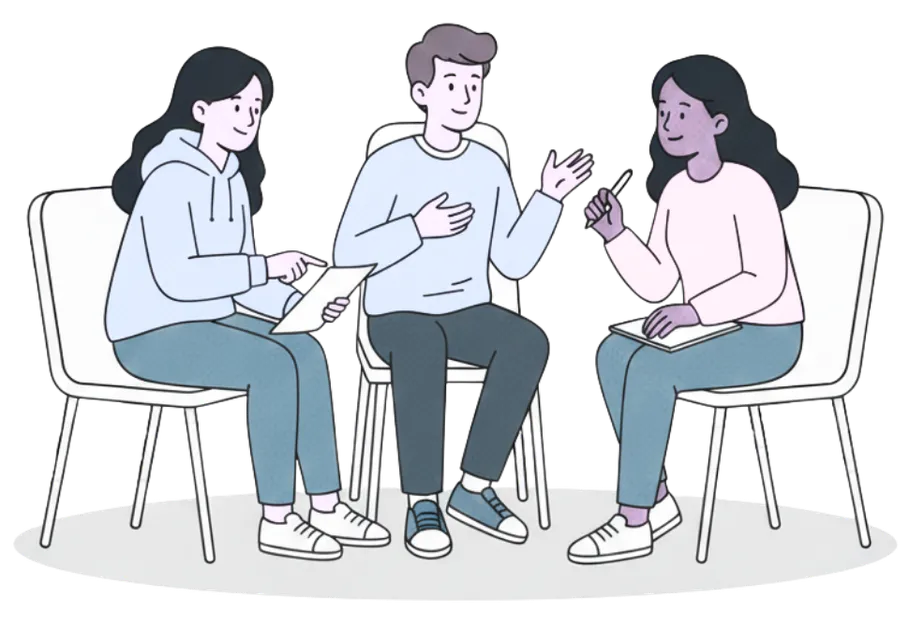
Digital alternative to paper writing
The online editor works well for in-class writing so students can draft, revise, and reflect without paper copies.

It works well for in-class writing because it:
-
starts instantly with no logins or installs -
keeps drafting and revision in one place -
supports post-writing reflection and discussion
Students can see their own writing process and reflect on it
Students write in a clean editor and can see their own writing process. This student-facing approach is grounded in peer-reviewed research: making the writing process visible helps students build metacognition and reflect on their own effort, while respecting their privacy.
For students, this means:
-
No hidden trackers -
No automatic assessments or scores -
Process data supports reflection and discussion -
A student-facing approach to academic integrity and authorship
I'm so glad I found this app. I've been accused of using AI on my writing assignment when that's the farthest from the truth! But with this tool, I feel more assured that my originality can be defended.
★★★★★ 5.0 rating · Dec 2025
Verified Chrome Web Store Review
Helps your students become reflective and reflexive thinkers
Plagiarism prevention and academic integrity policies alone don't inspire students, but meaningful reflection does. Process Feedback provides process-level data, enabling students to analyze and improve their working process.
When students reflect, they:
-
Develop metacognition, understanding how they think and learn -
Strive for process excellence, not just the final product -
Gain transferable skills that extend beyond the classroom
It's not surveillance if students control what they share
In some cases, asking students to share their writing process may raise privacy concerns. For example, a graduate student may notice that much of their writing happened late at night and reflect on whether that affected their focus, revision quality, or stress levels. This kind of insight may be intended for the student's own reflection, not for evaluation or judgment.
Process Feedback is designed with this concern in mind. Students can privately review their own reports and share only what they choose to share.
Teachers do not need to require students to share their writing process or review their detailed activity logs.
Instead, teachers can:
-
Encourage students to privately review their own reports -
Assign reflection prompts -
Collect reflections rather than raw process data
Frequently Asked Questions

Ready to use it in class?
Try the online editor yourself, then review our teacher guides before introducing it to students. It starts instantly, requires no student accounts, and works well for in-class writing or take-home assignments.