Coding process reports and dashboards for CS1 courses
Process Feedback helps CS1 programming teachers support reflection, understand how their students actually work, and promote academic integrity, without policing.
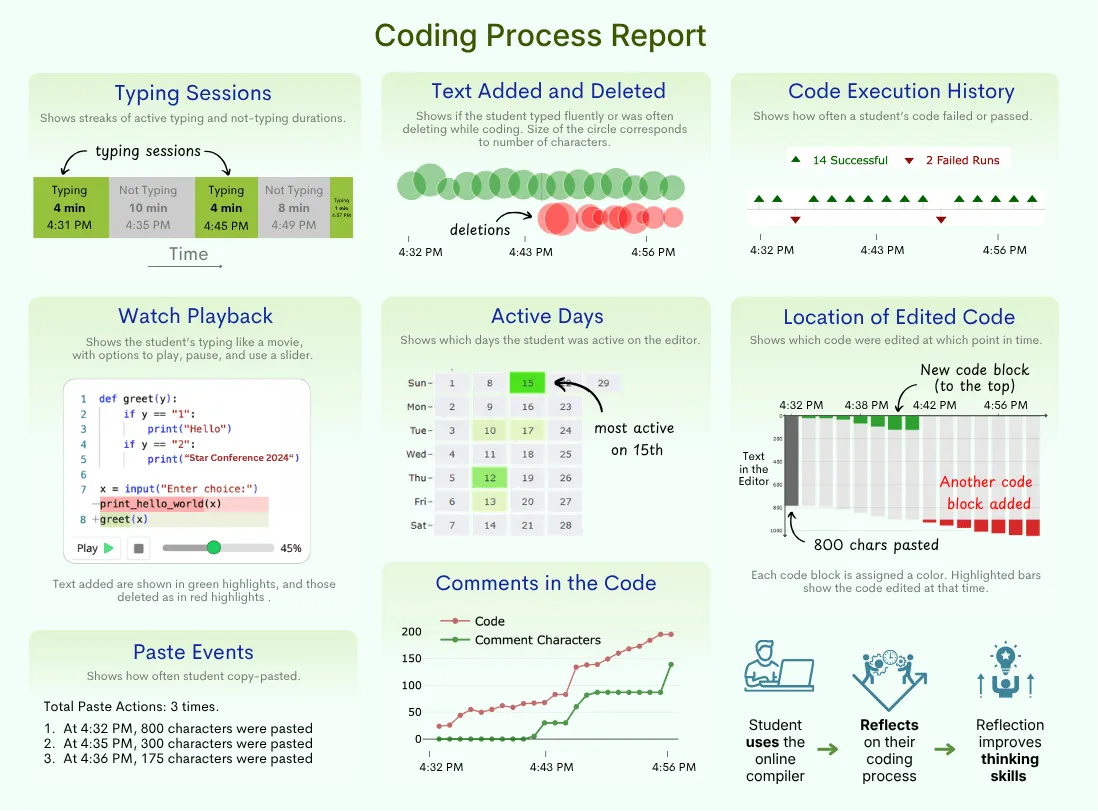
Generates coding process reports for your students
For every assignment, Process Feedback turns each student's coding activity into a clear, visual report, so you can see how the code came together, not just the final submission.
Each report shows:
-
Typing sessions, text added and deleted, and a watch-playback that replays the whole process like a movie -
Code execution history with successful and failed runs, so you can see effort and persistence -
Paste events and large blocks of pasted code are flagged, supporting authorship and academic integrity
Pick the tool that fits your class
Process Feedback offers two ways to capture the coding process. Use whichever matches how your students already work, or use both across different assignments.
Two tools, one goal:
-
Online compiler — a browser-based compiler with AI that explains errors, support for most languages, and one-PDF submissions. Great for intro courses and when students don't have a local setup. -
VS Code extension — captures the coding process right inside VS Code, for students and courses that already work there.
Find how engaged your students are throughout the term
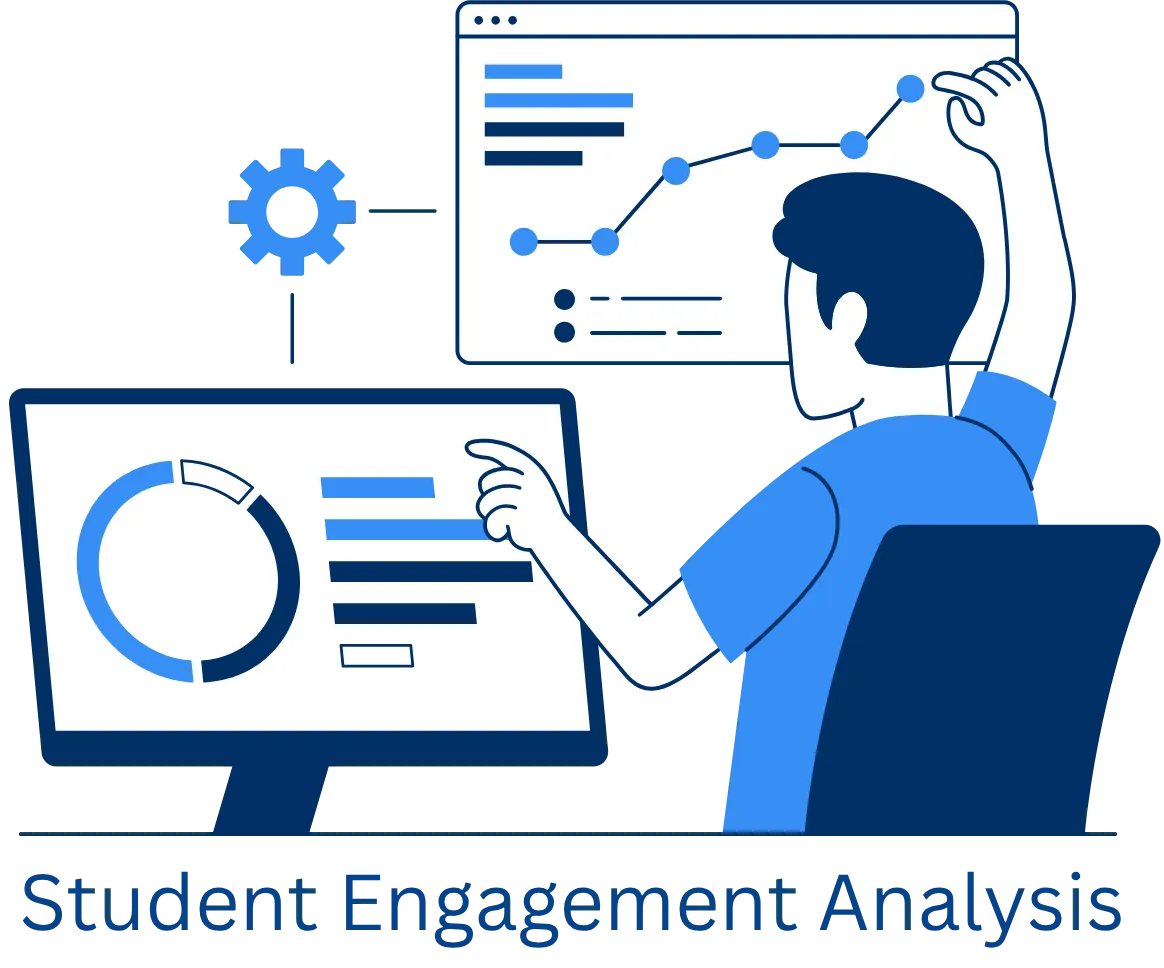
With Process Feedback, you have access to every student's coding process on every assignment throughout the term. That full record of how your students actually work, not just their final code, is the real signal of engagement, showing how much time they spent, how much they debugged, and how the code came together for each piece of work.
Having every student's coding process across the term lets you:
-
See time-on-task and debugging effort for each assignment, not just the final submission -
Track how a student's engagement holds up from the first assignment to the last -
Notice when a student's effort starts to drop, so you can reach out sooner
Helps your students become reflective and reflexive thinkers
Plagiarism prevention and academic integrity policies alone don't inspire students, but meaningful reflection does. Process Feedback provides process-level data, enabling students to analyze and improve their working process.
When students reflect, they:
-
Develop metacognition, understanding how they think and learn -
Strive for process excellence, not just the final product -
Gain transferable skills that extend beyond the classroom
It's not surveillance if students control what they share
In some cases, asking students to share their coding process may raise privacy concerns. For example, a graduate student may notice that much of their coding happened late at night and reflect on whether that affected their focus, debugging quality, or stress levels. This kind of insight may be intended for the student's own reflection, not for evaluation or judgment.
Process Feedback is designed with this concern in mind. Students can privately review their own reports and share only what they choose to share.
Teachers do not need to require students to share their coding process or review their detailed activity logs.
Instead, teachers can:
-
Encourage students to privately review their own reports -
Assign reflection prompts -
Collect reflections rather than raw process data
Frequently Asked Questions

Ready to try it in your class?
Start by exploring a sample student coding process report or read the Teacher Guide.