Online compiler for students learning to code
Generates coding process reports for academic integrity, authorship, and reflection. AI explains compiler errors.
Don't detect plagiarism; prevent it in a constructive way
Plagiarism detection catches students after the fact. What if you could prevent it from happening in the first place? A focus on process discourages plagiarism by guiding students to develop their own work. Focusing on the coding process has many advantages:
-
It's a preventive, not punitive, approach -
Encourages students to think critically about their coding journey. -
Helps students show their work and develop accountability.
AI explains code and error messages
Coding errors can be frustrating, but our safeguarded AI makes debugging easier. Integrated into our online compiler, it provides explanations to help students code with confidence, but without giving away the answers.
What our safeguarded AI does:
-
Deciphers error messages in plain English -
Explains selected code to reinforce understanding -
Focuses on guidance over shortcuts
Process discussions engage your students
Focusing on the final product helps students meet standards, but what about those who struggle to get there? A process-focused approach builds confidence, encourages deeper thinking, and keeps students engaged, especially those who feel overwhelmed by coding.
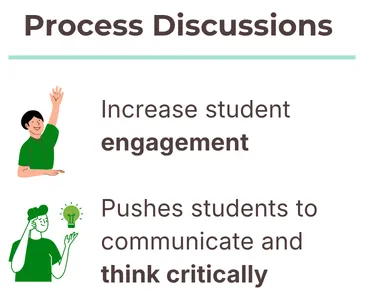
Why focus on the coding process?
-
Enhances student engagement by making learning active -
Encourages peer discussions and collaborative problem-solving -
Gives you insight into how students think and work through challenges
Supports most languages, including Python Turtle
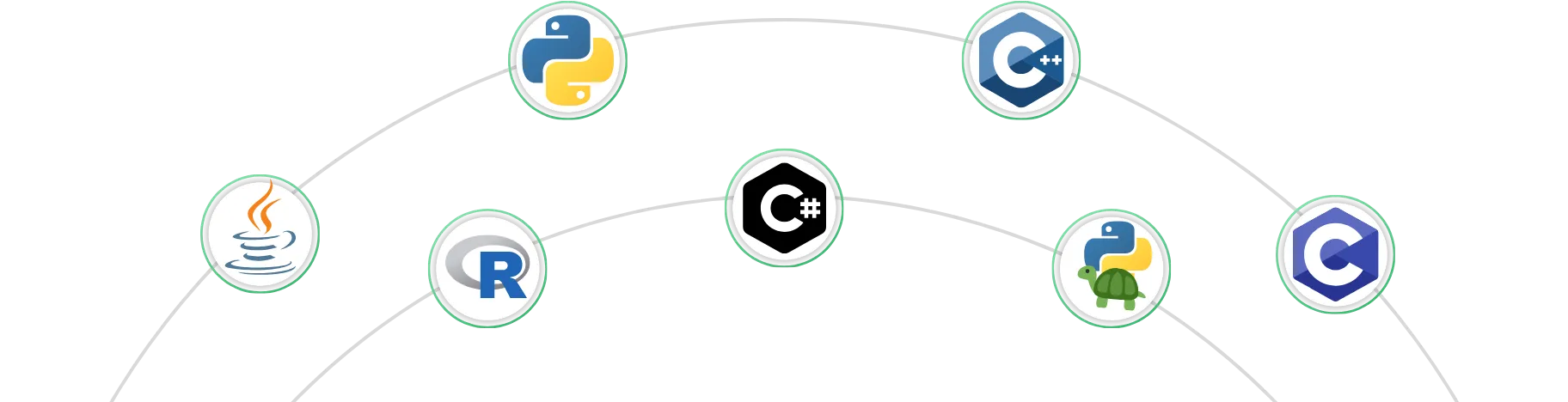
The online compiler supports all popular programming languages. It also supports Python’s Turtle library.
Supported languages include:
-
Python (with numpy and scikit-learn)
-
C and C++
-
Java and
-
Python (with Turtle library).
Easily integrates with your LMS
When students code in the Process Feedback online compiler, they can download their code, outputs, and everything as a single PDF. Students can upload this PDF into your LMS for easy grading.
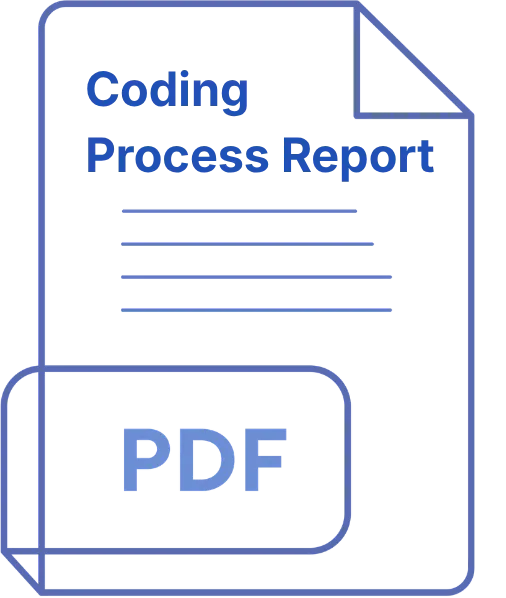
Everything you want to see comes in one PDF:
-
Student's code, code outputs, and STDIN inputs -
Coding time and copy-paste actions -
Code evolution chart and code execution history
It's backed by research
Process Feedback isn't just another coding tool. It's grounded in research and supported by peer-reviewed publications. Our studies show that students benefit from AI-driven feedback and that early awareness of its benefits leads to seamless adoption in the classroom.
What the research tells us:
-
Students learning to code find AI feedback helpful for understanding errors and improving their process. -
Students adapt quickly when they know how the tool enhances their learning experience.
Process Feedback made it easier for me to identify struggling students
Anonymous Professor
St. Louis, USA
To start using it in your class, read our teacher guide
Integrating Process Feedback into your class is simple, and our Teacher Guide walks you through every step.
How to begin:
-
Explore the online compiler yourself to see how it works -
Use it for an assignment and see how it goes -
Follow the Teacher Guide for step-by-step instructions and best practices
Frequently Asked Questions

See it in action
Before you get started, take a look at a sample student coding process report. You can also check out our Teacher Guides to see how easy it is to use Process Feedback in your classroom, with just a few simple steps!