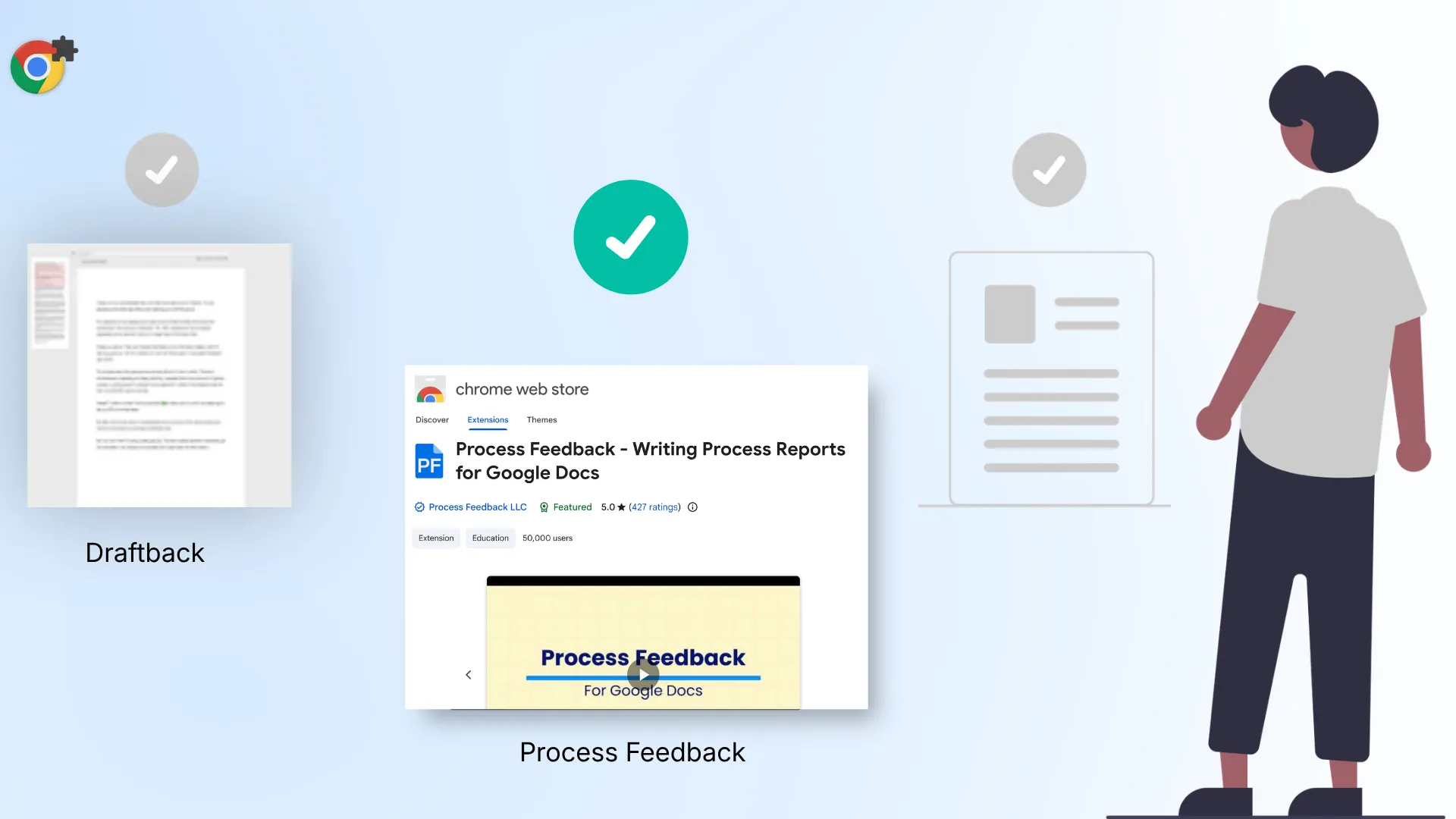
Turnitin Clarity shows how students draft their essays, including revision timelines, pasted versus typed text, and a summary of students’ chats with its built-in AI assistant. It is a paid add-on to Turnitin Feedback Studio, priced by quote. If you are evaluating Clarity and want an option that puts students first and costs less, Process Feedback is worth comparing.
Turnitin Clarity vs. Process Feedback
| Turnitin Clarity | Process Feedback | |
|---|---|---|
| Price | By quote | Free options available |
| Where students write | Clarity’s composition space | Google Docs, online editor, LMS |
| When students see their report | After the due date, abridged, if enabled | Anytime, full report, even while writing |
| AI assistant | Yes | Optional, online editor only |
| AI detection score | Elsewhere in Turnitin | No |
| LMS integration | Yes | Yes |
Transparent pricing
Turnitin Clarity is not a standalone product. It is available only as a paid add-on for institutions that already license Turnitin Feedback Studio, and Turnitin does not publish its price. Institutions request a quote. For institutions already invested in Turnitin, that may be a natural extension.
Process Feedback takes a different approach. The Google Docs extension, the online editor, and the teacher dashboard are free for individual teachers and students, and Process Feedback has committed to keeping them free. No account is required. Teachers can start immediately without waiting for procurement or budget approvals.
For institutions, Process Feedback publishes its institutional pricing. Plans start at $200 per year and are based on deployment scope and support, not on the number of students or teachers. Institutions can begin with a free one-term pilot before committing, and those that want Process Feedback inside their LMS can add the paid LTI integration.
Students write in the apps they already use
Turnitin Clarity has students write their assignments inside its own composition space, where drafting, the AI assistant, and submission live together. That design has its benefits, but it can disrupt established classroom workflows. Many students are already used to writing in Google Docs or Microsoft Word. Turnitin also recommends Clarity assignments of roughly 300 to 2,500 words, noting that longer submissions are harder to review.
Process Feedback offers options that meet students where they already work:
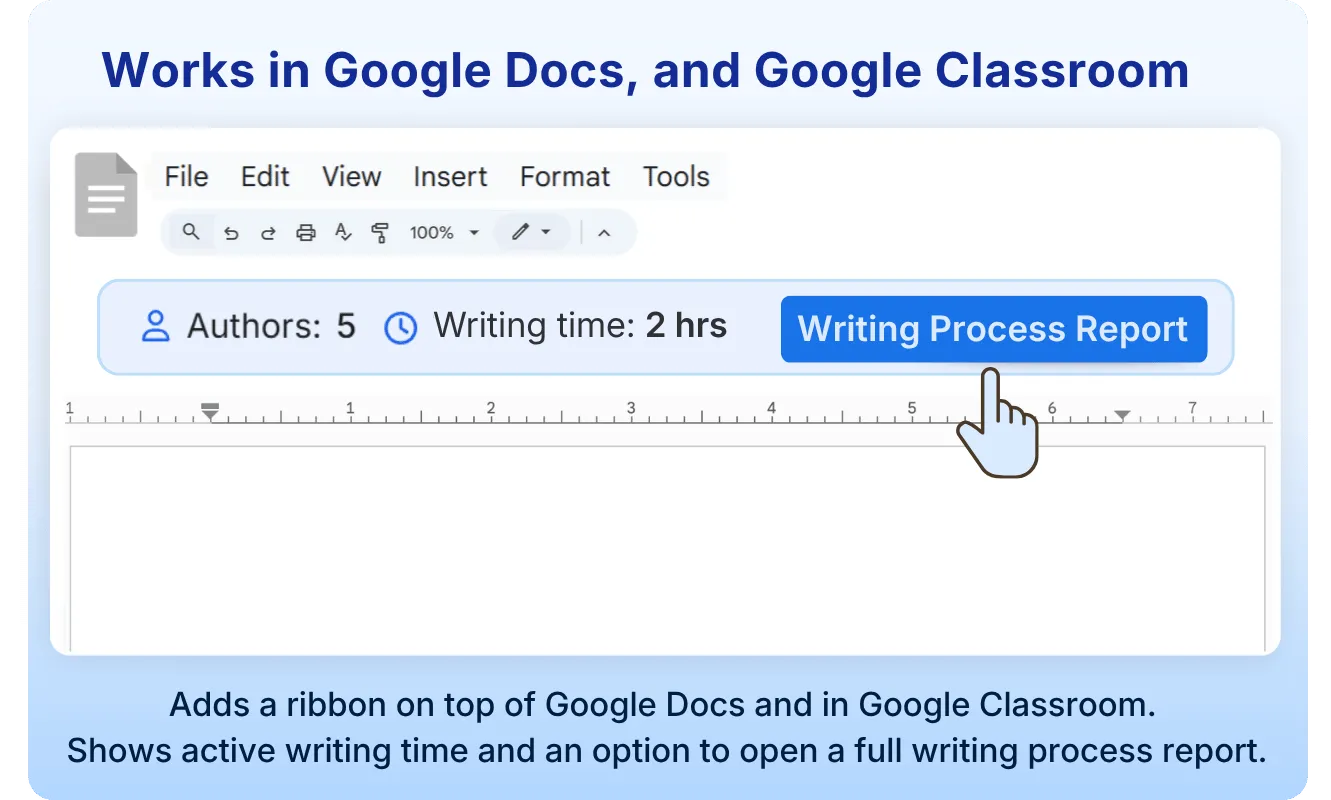
- The Google Docs extension reads the edit history Google already keeps, so students do not need to install anything before they write.
- The online editor needs no install and no account.
- Institutions on Moodle can use the admin-installed Moodle plugin, which works in Moodle assignments and forums.
- For institutions that want a centralized workflow similar to Clarity’s, the paid LTI 1.3 integration connects Process Feedback to Canvas, Blackboard, Moodle, D2L Brightspace, and Schoology.
Students are the first audience for their own data
In Turnitin Clarity, the Writing Report is generated when a student submits on or after the due date. By default, only the instructor can see the full Writing Report. Students see an abridged version, and only if the instructor enables it, after the due date. The process data mainly serves the instructor’s review of a finished submission.
Process Feedback makes the student the primary audience for their own data. Students can open their own writing process report at any time, including while they are still writing, and they see the same full report a teacher would. They see exactly how their work developed through metrics like typing time, writing sessions, and copy-paste events. This transparency helps students trust the tool rather than see it as another way of monitoring their behavior.
Students can reflect without sharing their data
In some situations, teachers may not want to ask students to share their writing process. For example, a professor in a graduate course may not want a student to reveal that most of their writing happened late at night. The professor may simply want the student to reflect on their own working habits. Process Feedback is built with this concern in mind.
Because a writing process report is transparent, students see exactly what a teacher would see. So instead of asking students to share their report, teachers can ask them to reflect on it privately and share only their reflections.
Local-first, with minimal permissions
Process Feedback’s extensions and Moodle plugin run entirely in the browser. Writing process data stays on the student’s device, and nothing is shared unless the student chooses to share it.
No AI score, so the evidence gets the attention
AI detectors scan a finished document and return a probability score, and that score can flag human writing as AI. Clarity itself does not detect AI writing, but it sits inside Turnitin’s academic integrity platform, where Similarity Reports and AI writing detection are often part of the same workflow. Even Turnitin warns that its AI writing report can make mistakes.
Process Feedback deliberately leaves out AI detection scores. When teachers and students are handed a score, the conversation centers on the score, and the rest of the evidence gets overlooked. In Process Feedback, students and teachers instead see charts and data about how the work actually happened.
A detailed report opens many conversations
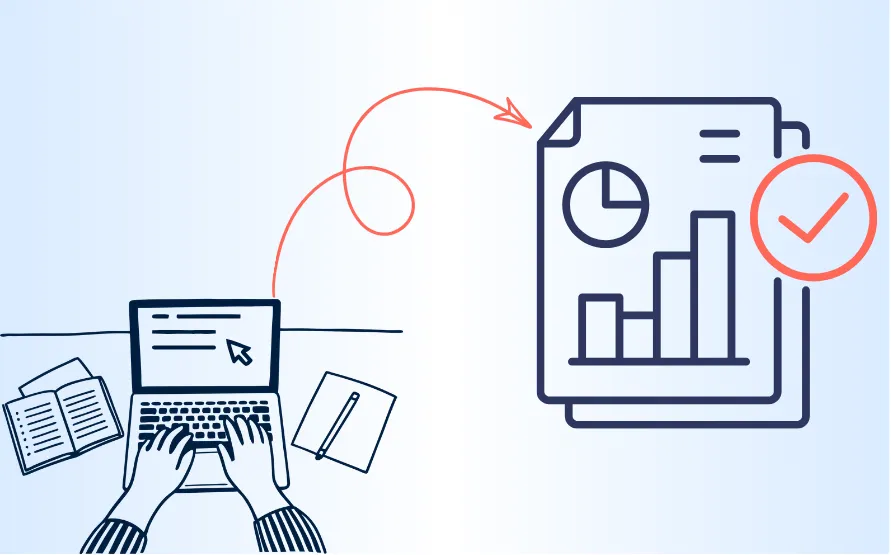
Compared to most similar tools, Process Feedback generates a comprehensive writing process report. It offers both table and chart views of activities including:
- Typing time, writing sessions, and breaks
- Copy-paste events, with what was pasted and when
- Time spent drafting new text versus revising existing text
- When and where in the document edits happened
- Which days the document was actively edited
- Author contributions in shared documents
- A comparison of any two versions of the document, such as an early draft and the final text
- A full replay of the writing, with formatting preserved
Along with the data, Process Feedback offers reflection prompts that teachers and students can use to discuss the writing process from different angles, such as time management, text production, and revision. Teachers can even have students answer the prompts themselves, turning the report into a self-reflection assignment.
Works with any AI policy
Process Feedback is not anti-AI. It does not encourage or discourage AI use. It works the same under a strict no-AI policy as it does in a class that invites AI use. What it adds is a shared view of the writing process that students and teachers can talk about.
In classes that allow AI, students can use their report alongside the Process Feedback guide on how to reflect on generative AI use. The guide asks them to map every instance of AI use in their writing, then consider which uses helped and which did not.
Useful for teaching, not just integrity
Making the writing process visible is no longer a niche idea. In October 2025, TIME named Turnitin Clarity one of the Best Inventions of 2025. Process Feedback has been doing this work since 2023, when the first peer-reviewed paper on it was published in Education Sciences. It was built for reflection, not to catch plagiarism. Its purpose is to give students and teachers data to reflect on how the work was done, because thinking improves through reflecting on the doing.
Even if no student in a class ever used AI to cheat, Process Feedback would remain a useful teaching tool. With the teacher dashboard, teachers can compare a whole class side by side, including writing time, active days, and paste counts. At a glance, they can see which students struggled to start an assignment and who rushed through a draft the night before it was due.
To evaluate Process Feedback for your institution, start with a free one-term pilot or join a monthly webinar to see the reports and dashboards in action. Individual teachers can also try it today by installing the Process Feedback for Google Docs extension and opening any Google Doc.