“We have invented technologies, from axes to helicopters, that boost our physical capabilities; and others, like spreadsheets, that automate complex tasks; but we have never built a generally applicable technology that can boost our intelligence.” - Ethan Mollick
Generative AI tools like ChatGPT are everywhere. They’re changing the way students learn, write, and submit their work. But there’s also a growing wave of uncertainty. Teachers, students, and educational institutions are all wrestling with a big question: How can we ensure AI is supporting student learning, not replacing it?
It’s not always easy to tell whether a student is using AI as a helpful tool or leaning on it too much. Teachers are left wondering: Am I grading my students’ original work? Is this something that my student actually wrote or is it AI generated? As a help, AI detection tools are used widely. However, most AI detection tools are also not reliable.
That’s why many institutions are doubling down on strategies to uphold academic integrity and improve learning outcomes. One such promising approach is to focus on the working process. For example, Chrome extensions that track the writing process. Chrome extensions, in particular, are easy to use and offer a window into how students write, revealing their thought patterns, effort, and revision habits. They also enable teachers and students to see the story behind the final submission and open a door for personalized feedback from teachers.
I’m writing this blog to help teachers and students. I came across most of these tools through my involvement in the Process Feedback project. You’ll notice I give it some extra attention in this post. This is not just because I’ve worked on it, but because it genuinely offers a comprehensive and fully free way to explore our writing process.
Here’s a list of the extensions I’ll be covering:
- Process Feedback
- Draftback
- Originality.ai
- Revision History
- DocuViz
- Write Human
- GPTZero
- Brisk Teaching
- Cursive
- Grammarly Authorship
1. Process Feedback
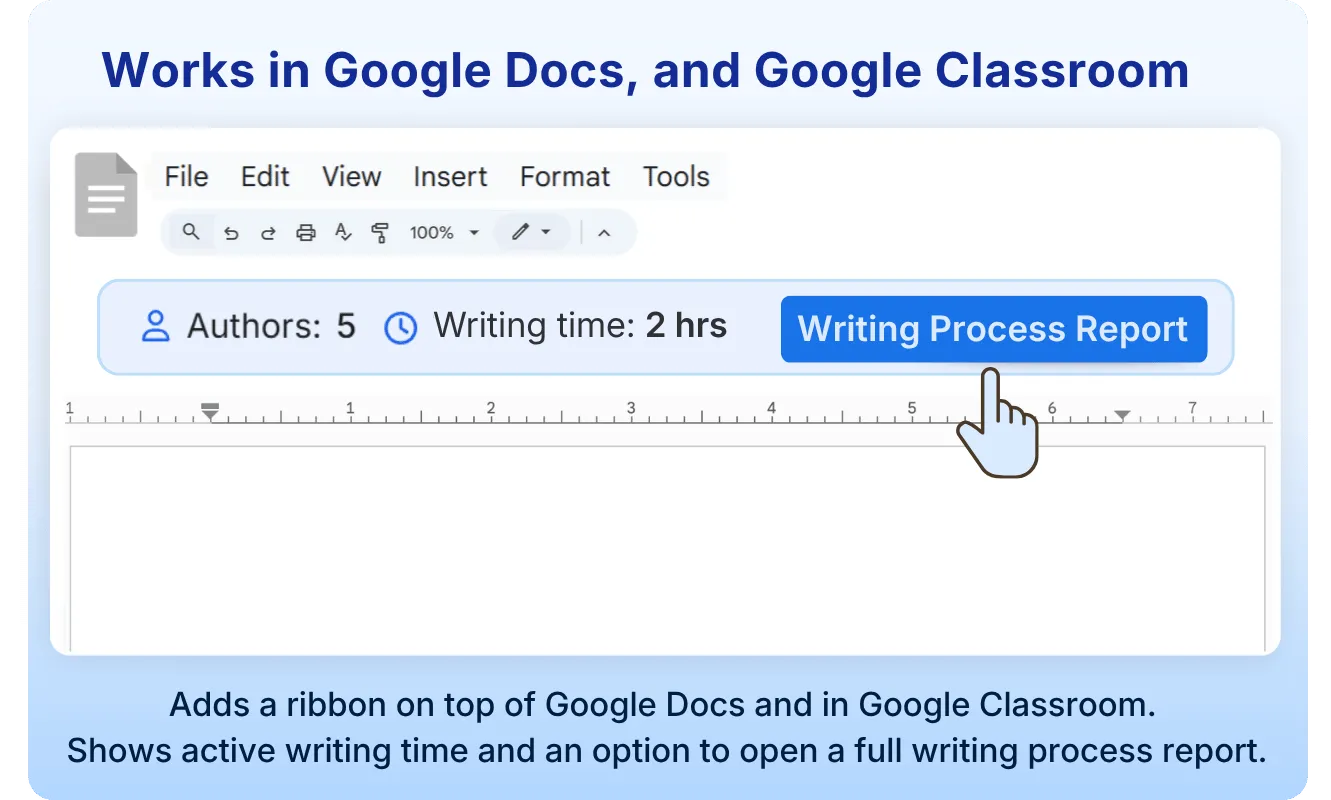
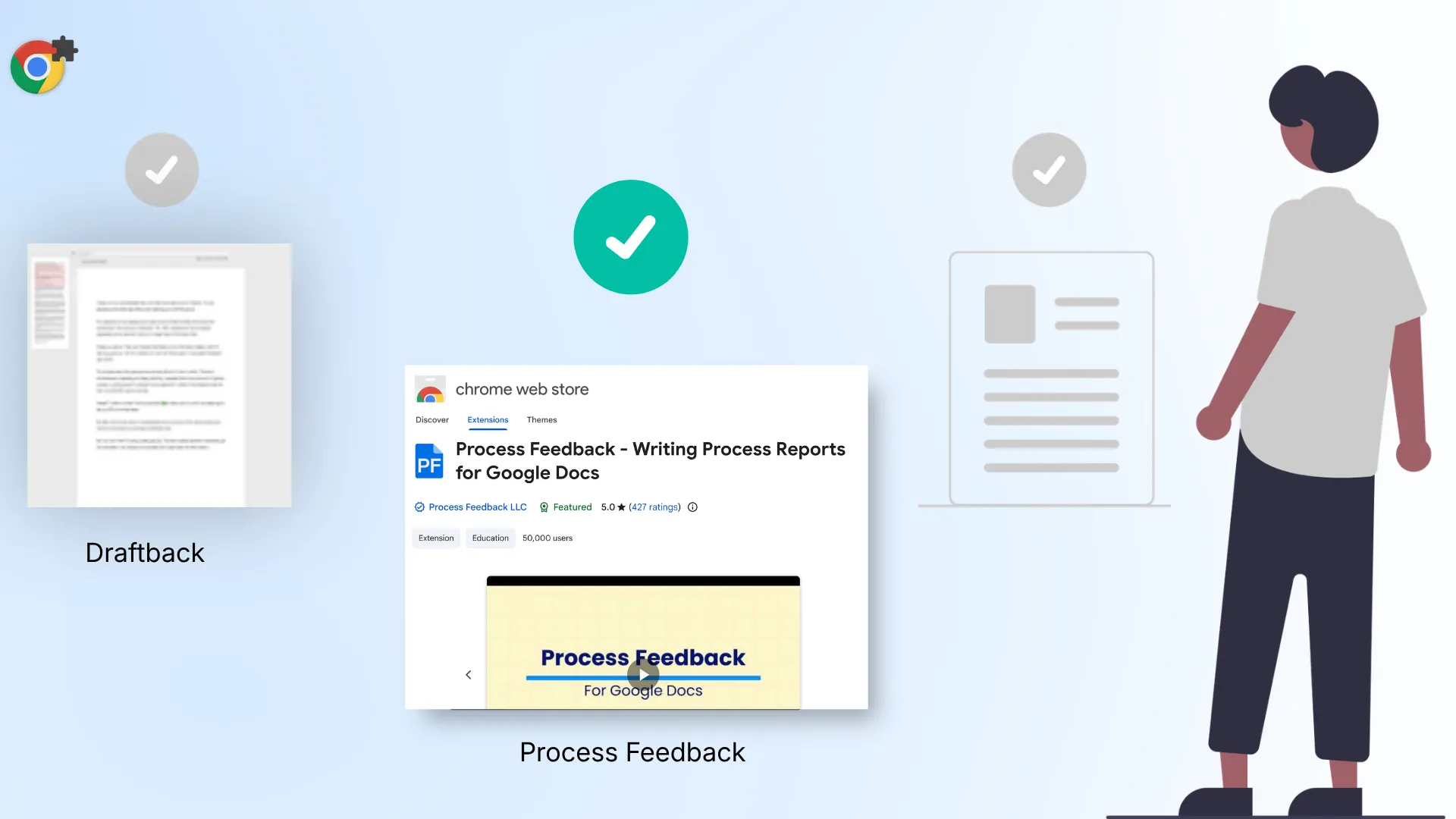
Process Feedback is designed for teachers and students. It transforms a Google Doc’s edit history into an interactive writing process report. Users can visualize their writing journey with charts detailing copy-paste events, breaks, typing fluency, and time spent on drafting versus revisions.
User ratings: ★★★★★ (5.0)
Number of reviews: 420
Price: 100% free for individuals
Outstanding features: Does not collect any data, and offers teacher dashboard
Other features: PDF report, shareable link, writing replay, copy-paste activities, detailed user contributions
Availability: Chrome Web Store
“Highly recommended. The evidence that the report provides is very thorough and detailed. Providing evidence of plagiarism has been simplified with this app” – Review in Chrome web store (2025-03-02).
2. Draftback
Draftback allows you to replay the revision history of your Google Docs like a movie. Designed for educators and students, it helps identify writing patterns and detect potential plagiarism, including the use of tools like ChatGPT. It offers features like play, pause, rewind, and insightful analytics about writing habits.
User ratings: ★★★★ (3.6)
Number of reviews: 157
Price: 30-day free trial, then paid (around $40 to $100 per year)
Outstanding features: Movie-like replay of the full revision history
Other features: Charts to explore history, supports multi-tab documents
Availability: Chrome Web Store
“Used to be a helpful tool to combat cheating. Now charging $100/year.” – Review in Chrome web store (2025-02-26).
3. Originality.ai
Originality.ai verifies if a text is AI-generated or human-written. It provides tools to replay the writing process, detailed revision histories, and comprehensive originality reports.
User ratings: ★★★★ (3.8)
Number of reviews: 157
Price: $14.95 USD / month (Pro); pay-as-you-go from $30
Outstanding features: AI detection paired with a character-by-character writing replay
Other features: Writing replay, user contributions, detailed user contributions, charts to explore history
Availability: Chrome Web Store
“It doesn’t work; after entering my login, it keeps on asking me the same thing.” – Review in Chrome web store (2025-03-04).
4. Revision History
Revision History is designed for teachers to monitor students’ writing process in Google Docs, including edits, time spent writing, copy/pasting, and a video replay feature. It aims to guide students through revisions and prevent plagiarism from AI and other sources.
User ratings: ★★★★ (3.7)
Number of reviews: 232
Price: Free tier (150 documents per month); Plus around $32 per year
Outstanding features: Tracks copy-paste events alongside a video replay
Other features: Writing replay, copy-paste events
Availability: Chrome Web Store
“Funny looking at the one-star reviews by students on here. I think this speaks volumes to how much of a great tool this is. This extension works great, would recommend. Hoping it works for Google Slides eventually” – Review in Chrome web store (2025-02-28).
5. DocuViz
DocuViz is developed by Hana Research Lab at UC Irvine, designed to provide a comprehensive visualization of the revision history in Google Docs. It color codes each author’s edits and displays the timeline of edits from left to right, giving an in-depth insight into the collaboration pattern and document evolution.
User ratings: ★★★★★ (4.9)
Number of reviews: 16
Price: Free
Outstanding features: Visualizes collaboration patterns and respects privacy
Other features: Charts to explore history, user contributions, detailed user contributions, PDF report
Availability: Chrome Web Store
“Really cool extension, works perfectly” – Review in Chrome web store (2025-02-28).
6. Write Human
WriteHuman enables you to watch the creation process of any Google Doc you’ve accessed. With fast loading times, it offers a unique insight into genuine authorship, showing natural writing behaviors such as deletions and rewrites.
User ratings: ★★★★ (4.1)
Number of reviews: 16
Price: Free
Outstanding features: Fast writing replay that respects privacy
Other features: Writing replay, shareable link
Availability: Chrome Web Store
“Works well in my testing, I will be recommending to others!” – Review in Chrome web store (2025-02-26).
7. GPTZero
GPTZero is a powerful Chrome extension that allows users to detect AI-generated text and confirm human authorship. Trusted by millions and recognized by major publications, it seamlessly integrates with Google Docs, highlighting AI-generated sections and replaying document edit history.
User ratings: ★★★★★ (4.7)
Number of reviews: 708
Price: Free tier (10,000 words per month); paid plans from around $120 per year
Outstanding features: AI detection trusted by millions, with edit-history replay
Other features: Writing replay, user contributions, shareable link, charts to explore history, copy-paste events
Availability: Chrome Web Store
“Decent, Google Docs feature is good, but sharing does not work; it says it generated a link, but no link appears, the link in the top search bar does not work as well, defeats my purpose of downloading.” – Review in Chrome web store (2025-01-08).
8. Brisk Teaching
Brisk Teaching is an AI-driven extension designed to help educators save over 10 hours a week. It seamlessly integrates with Google tools to offer over 20 features, including curriculum creation, feedback delivery, and lesson differentiation.
User ratings: ★★★★★ (4.7)
Number of reviews: 737
Price: Free for teachers
Outstanding features: Over 20 AI teaching tools in one extension
Other features: Writing replay, copy-paste events, user contributions
Availability: Chrome Web Store
“I wish this tool was free so I could do so much more with it. I have found great ways to use this tool in planning, in PD, and teaching teachers about AI. I love the Boost Activities but want to see so much more. I hope the Boost Writing that is coming soon can be a great tool for our teachers to use with students as our students need tremendous help in writing.” – Review in Chrome web store (2025-03-05).
9. Cursive
Cursive verifies the writing process by securely logging your writing activity on supported sites. It promotes authenticity, skills development, and academic integrity by focusing on the process.
User ratings: ★★★★★ (5.0)
Number of reviews: 3
Price: Limited features are free
Outstanding features: Securely logs writing activity to verify authentic work
Other features: Writing replay, shareable link, charts to explore history, PDF report
Availability: Chrome Web Store
“Easy to install, easy to setup, after that, no other actions were necessary. I can’t wait for the rewards to start.” – Review in Chrome web store (2023-11-28).
10. Grammarly Authorship
Grammarly helps to improve your writing with all-in-one assistance—including generative AI, grammar check, and more. Grammarly for Chrome offers real-time suggestions—including generative AI, grammar check, and more—to help you improve your writing online, no matter what you’re working on.
User ratings: ★★★★★ (4.5)
Number of reviews: 43,100
Price: Free tier; Pro around $8.40 USD / member / month, billed annually
Outstanding features: Writing assistance combined with authorship tracking
Other features: Writing replay, shareable link, copy-paste events, user contributions
Availability: Chrome Web Store
“It helps me so much when I’m writing essays in school. With Grammarly, everything I type feels more smooth and polished.” – Review in Chrome web store (2025-04-05).
Conclusion
In this blog, I explore the top Chrome extensions in 2026 that help both students and teachers look beyond the final draft. I highlight 10 extensions, from the super detailed and free Process Feedback (a project I’ve been closely involved with), to popular tools like Draftback, GPTZero, and Grammarly Authorship. Each one offers a different take. Some focus on AI detection, others on revision replays or authorship insights.