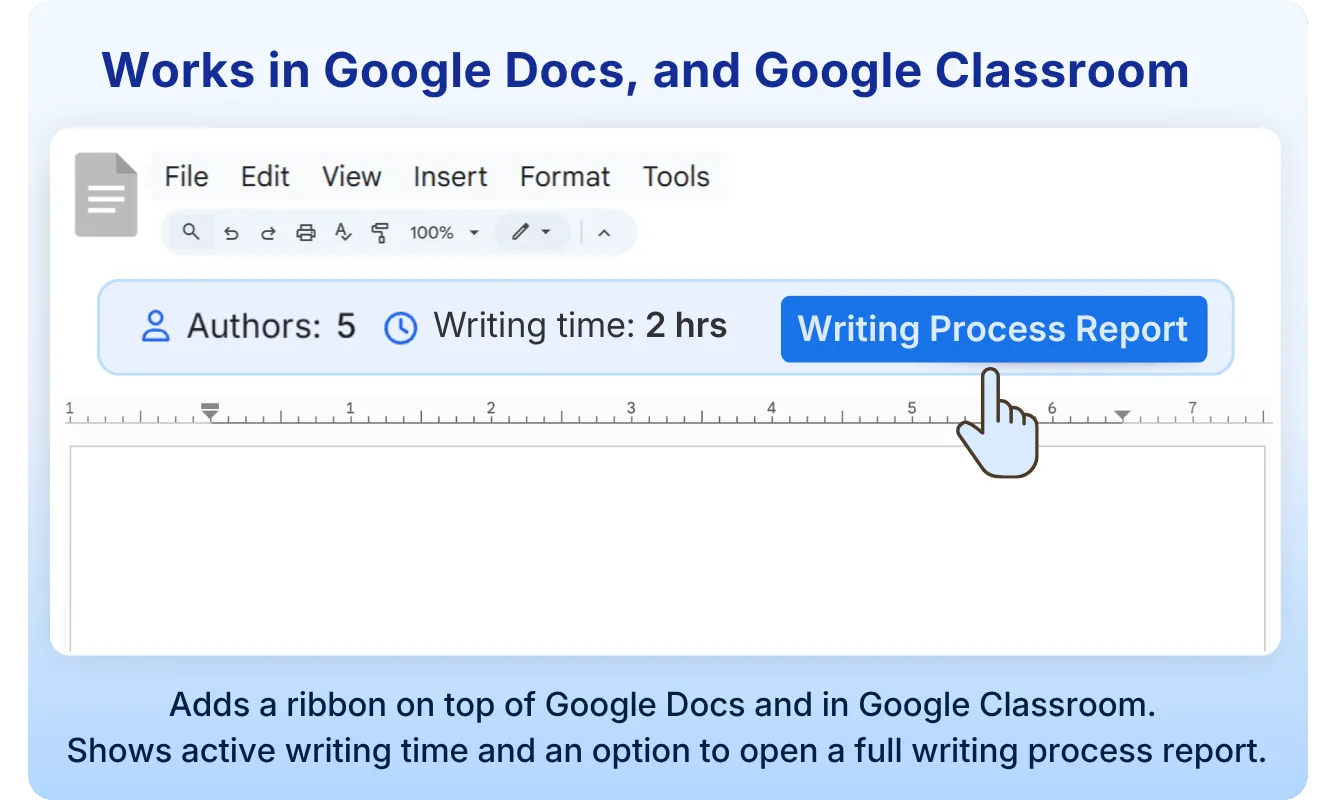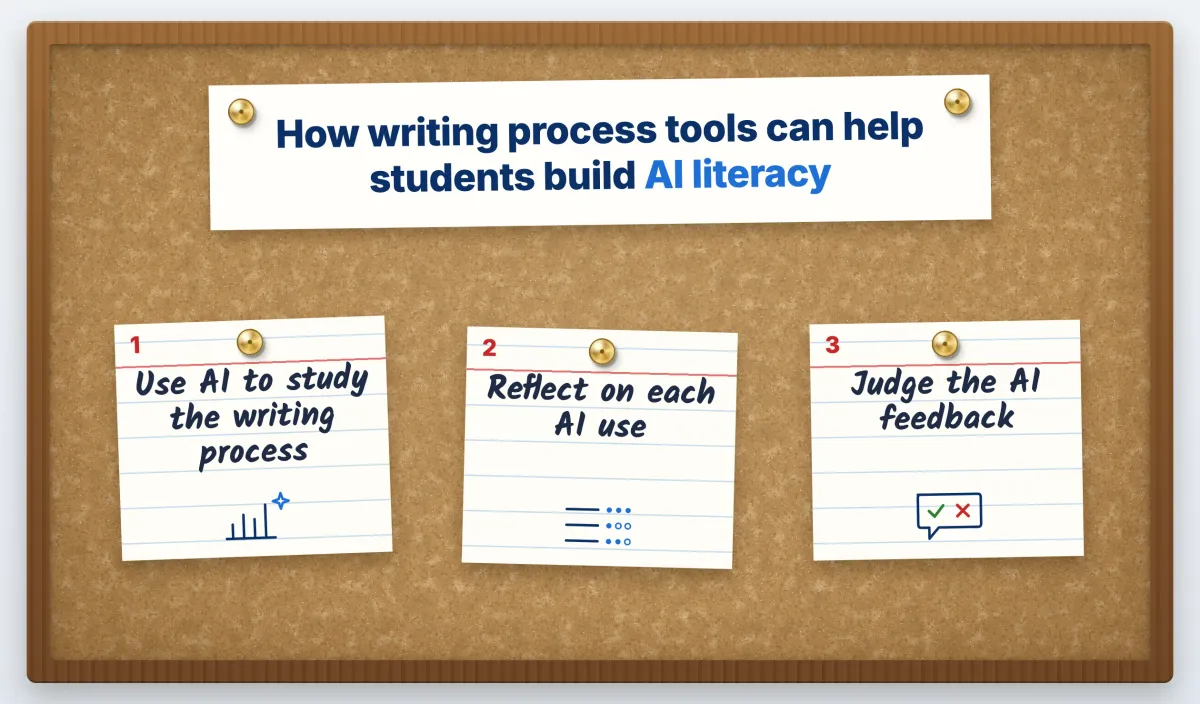
A writing process tool, sometimes called a writing process tracking tool, shows how a piece of writing was done, such as when a student wrote, what they pasted, and how they revised. Students can use this information to build AI literacy. AI literacy means knowing when AI helps, when it gets in the way of learning, and how to be open about using it. Students will need these skills at work and in daily life after they leave school or college.
This post uses Process Feedback, one writing process tool, as the example. Teachers can use it in three ways to support AI literacy:
- Let students use AI to study their own writing process
- Ask students to reflect on each time they used AI
- Ask students to judge the AI feedback they receive
1. Let students use AI to study their own writing process
A writing process report has many charts, such as writing pace, revisions, and pasted text. Students may not know what a chart says about their writing habits. Most sections of the report have a Copy button to help with this. The button copies the section’s data and chart, a short note on what the data means, and a prompt for reflection. Students paste this into an AI tool, such as ChatGPT, Claude, or Gemini, and ask what it shows about how they wrote.
For example, a student can copy the Daily Writing Activity section and ask when most of the writing happened. The AI might answer that most of the work happened on the day before the deadline. The student then compares the answer with what they remember and decides whether it is right.
In this activity, AI helps students read their own data after the writing is done. Students also practice checking an AI’s answer against something they know well, their own experience of writing the paper. Nothing goes to an AI tool unless the student pastes it there. How to use AI to explore the writing process explains the Copy button in more detail.
2. Ask students to reflect on each time they used AI
When an assignment allows AI, students can reflect on their AI use in a structured way. In the AI use reflection activity, students open their writing process report and list each time they used an AI tool. For each use, they write the date and time, the tool, the purpose, and the steps they took. They also give each use two ratings from 1 to 5: how much it helped the final product, and how much it helped their writing process.
Here are two rows from the example in the activity:
| # | AI tool | Purpose | Helpful for final product | Helpful for process |
|---|---|---|---|---|
| 1 | ChatGPT | Generating an initial list of ideas | 5 | 1 |
| 2 | ChatGPT | Polishing the grammar of a paragraph | 2 | 4 |
In the first row, the AI’s ideas all stayed in the final document, but they did little for the student’s writing process. In the second row, little of the AI’s text stayed, but the grammar fixes helped the student’s writing process. Comparing the two ratings shows students which uses of AI supported their learning. This helps them decide whether to use AI on the next task. Students then explain their most helpful and least helpful AI use, and they write a short reflection on what they will do differently next time.
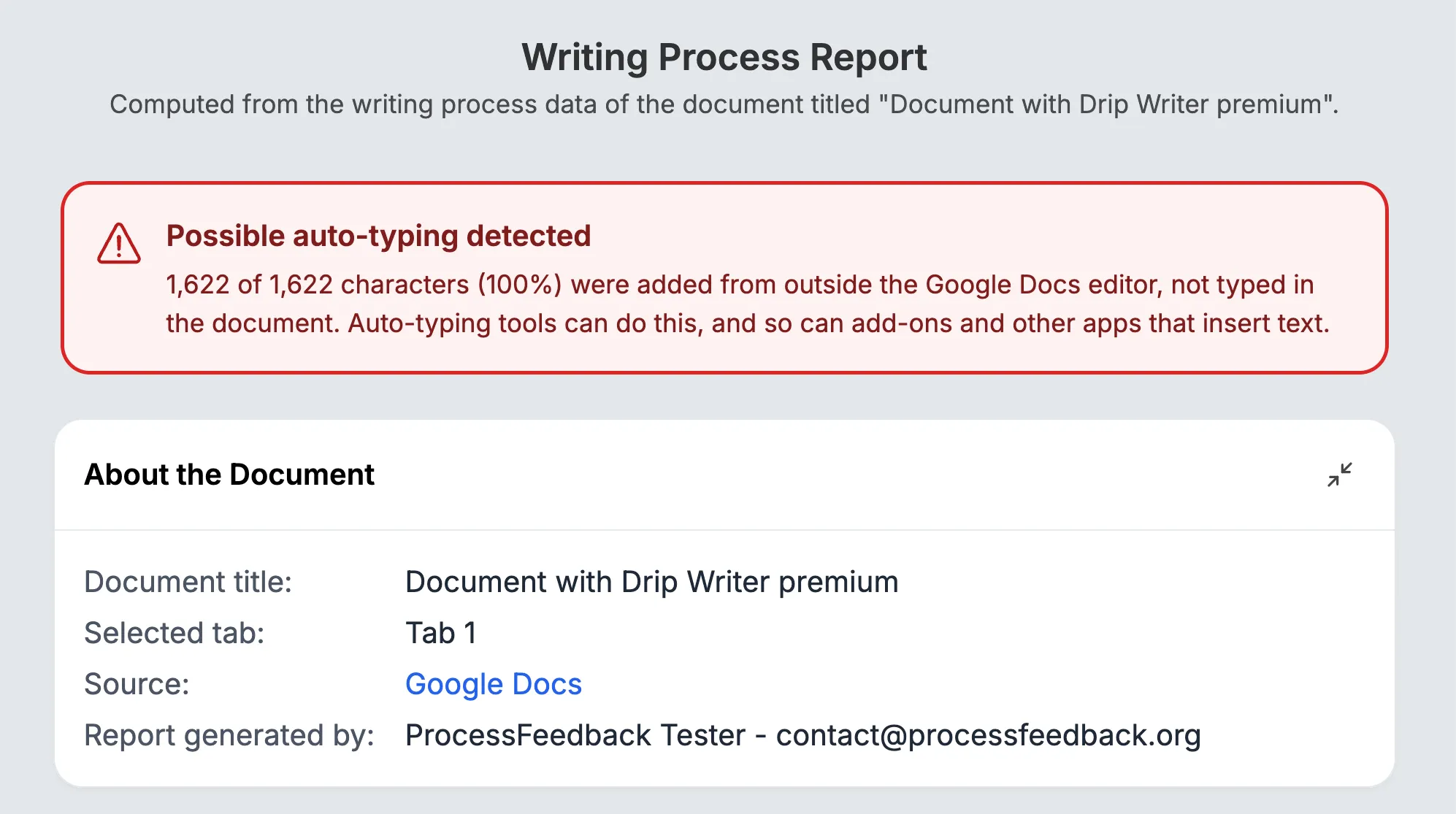
The report helps students remember each AI use. The Pasted Text section, called Paste-Like Changes in Google Docs reports, lists each block of text that entered the document at once, with its date and time. A video tutorial walks students through the activity.
This activity also practices the third part of AI literacy, being open about AI use. Students describe their AI use in their own words and support it with dates and times from the report. In Inside Higher Ed, Chris Gortmaker, a lecturer in English at Binghamton University, wrote that Process Feedback “sets the stage for honest and concrete conversations about AI and writing that become genuine learning moments for students.”
You do not have to ask for the report itself. Students can explore their report on their own and share only the reflection. This helps when a report shows details you do not need to see, such as a student writing late at night. For the rest of the writing process, such as time management and revision, use the writing process reflection prompts.
3. Ask students to judge the AI feedback they receive
When you create an assignment in Process Feedback, you can turn on rubric-based AI feedback. You write the rubric. As students write, they click Rubric-based AI Feedback in the sidebar to get feedback on their draft against your rubric. The AI does not write for them, and they cannot chat with it.
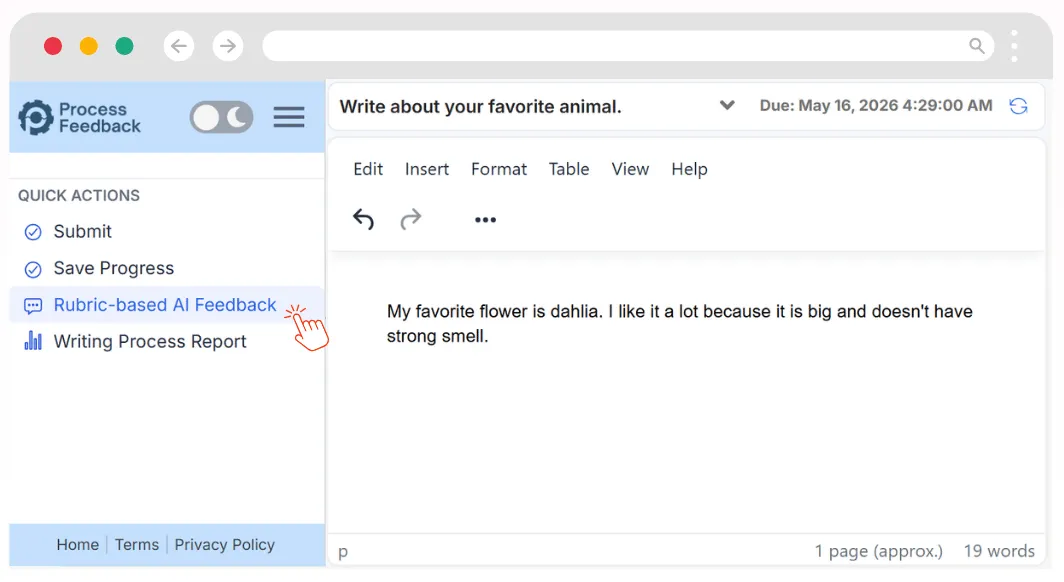
After students submit, you can see who used the feedback and what feedback each student received. The writing process report also shows whether the student revised after reading the feedback.
Like any AI output, rubric-based AI feedback is not always right. It can misread a sentence, miss the point of a paragraph, or suggest a change the student does not agree with. Students learn from judging these suggestions. After they submit, ask students to answer a few questions about the feedback they received:
- Which feedback did you act on, and what did you change?
- Which feedback did you decide not to act on, and why?
- Was any feedback wrong or unclear? How could you tell?
- Did the feedback follow the rubric, or did it suggest things the rubric did not ask for?
- On a scale of 1 to 5, how useful was the feedback overall?
With these questions, students decide whether to accept, revise, or reject each piece of AI feedback. The AI Literacy Framework from the European Commission and the OECD lists this as one of the skills students need: “Evaluate whether AI outputs should be accepted, revised or rejected.” Because the feedback follows a rubric you wrote, students judge it against criteria they already know.
To get started, copy one of the example rubrics for AI feedback and edit it for your course.
Matching the activities to your AI rules
AI rules differ by grade, course, and assignment. Process Feedback does not decide whether AI is allowed, so you can choose what fits the rule for each class. Here are some examples:
| Class | An example AI rule | What you can use |
|---|---|---|
| 5th grade | No AI | The report shows typing, pauses, and any pasted text. |
| Middle school | AI for brainstorming only | The report shows when outside text was pasted into the draft. |
| First-year college | AI feedback on drafts, but no AI-written text | Rubric-based AI feedback, and a report that shows what changed after it |
| Graduate course | AI for finding sources, outlining, and editing | The AI use reflection activity, where students list and rate each AI use |
For K-12, the school districts page shows how Process Feedback fits the AI rules at each grade level.
Research behind the approach
Process Feedback is built on the idea that students learn by reflecting on how they work. These papers from the research page describe the approach:
- A 2023 paper in Education Sciences, Thinking beyond chatbots’ threat to education, introduces Process Feedback and explains how it helps students develop metacognition.
- A 2024 paper in IEEE Frontiers in Education, Maximizing student engagement in coding education with explanatory AI, studied AI feedback with about 200 students. Students who were new to coding found the AI feedback more helpful than students with coding experience.
- A 2026 conference paper, A new approach to using generative AI as a reflection partner for writing and metacognitive learning, describes how students can use generative AI to reflect on their own writing process.
Where to start
- Open the Sample Student Report to see what a writing process report looks like.
- Create an assignment with rubric-based AI feedback turned on.
- Share the AI use reflection activity with students after an assignment that allows AI.