Active Writing Time adds up the stretches when the writer was typing. Counting only the exact seconds of typing would make the total unrealistically small, so short pauses count as part of the writing: only a pause longer than a threshold, one minute by default, ends a stretch. You can change the threshold in Settings, under AFK time for considering inactive (20 seconds to 5 minutes). A stretch shorter than the threshold counts as the full threshold, which is what the note Rounded to one minute under the total means.
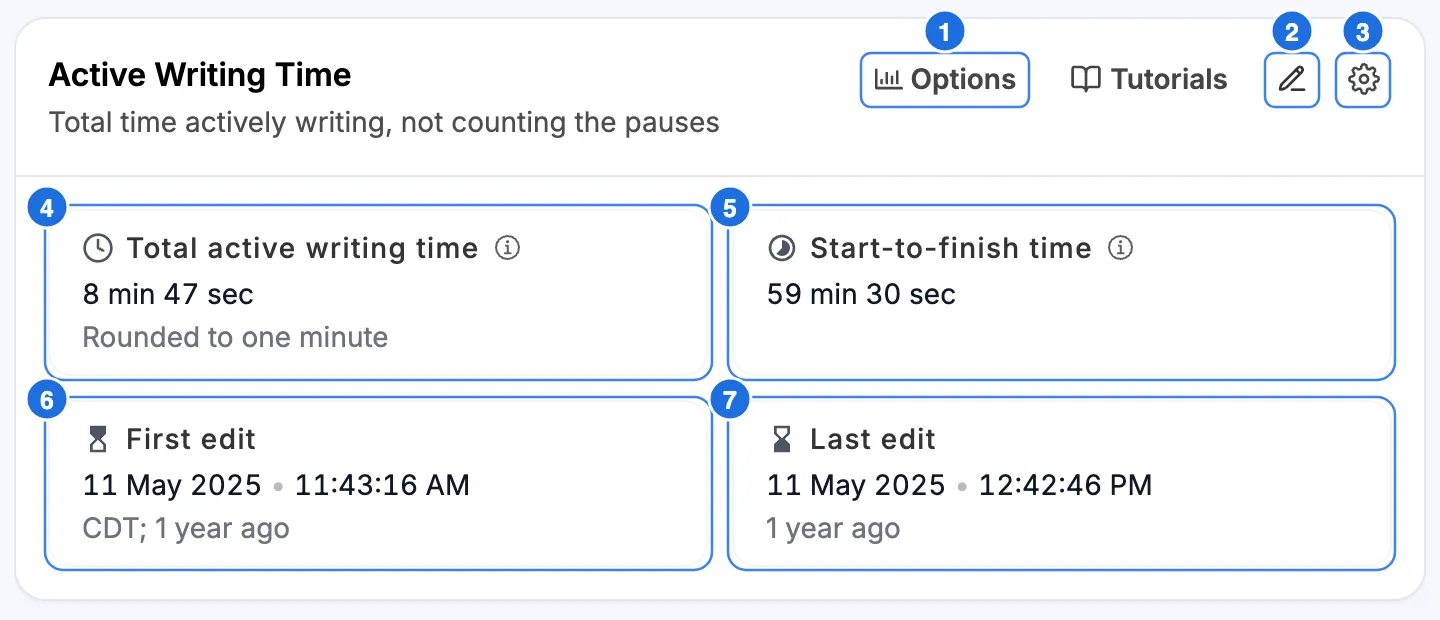
- Options has one setting for this section: Show start-to-finish time, which adds card 5.
- Add note lets you write a comment on this section that travels with the report.
- Layout options let you collapse the section or move it up or down in the report.
- Total active writing time is the sum of all active typing stretches.
- Start-to-finish time is the time from the first edit to the last, including every pause. This card is off by default.
- First edit is when the earliest recorded change happened, with the time zone.
- Last edit is when the most recent change happened.
A. How to read the numbers
Compare the total with Start-to-finish time. In the example, the first and last edits are 59 min 30 sec apart, but only 8 min 47 sec of that was active writing.
1. A small writing time can mean many things
Efficient writing. A short assignment. Work drafted somewhere else and brought in. Or a writer who thought carefully in the pauses and typed only once they knew what to say. The number counts keystroke activity, not thought.
2. A large writing time is not proof of effort either
A document left open and touched occasionally still accumulates time.
The number is most useful as a comparison — against the same student’s other work, against the scope of the assignment, or against what the student expected. It is weakest as an absolute threshold.
B. What counts and what is excluded
Counted: recorded typing activity in this document, in stretches separated by pauses longer than the threshold (one minute by default).
Excluded: time spent reading, planning, or thinking without typing, beyond the threshold; work done in any other file or app.
C. What it does not tell you
It cannot measure thinking, reading, or planning. Time spent reading sources, outlining on paper, or working out an argument on a walk registers as a typing pause, because nothing was typed.
It only counts this document. Drafting done in another file, a notes app, or on a phone doesn’t appear.
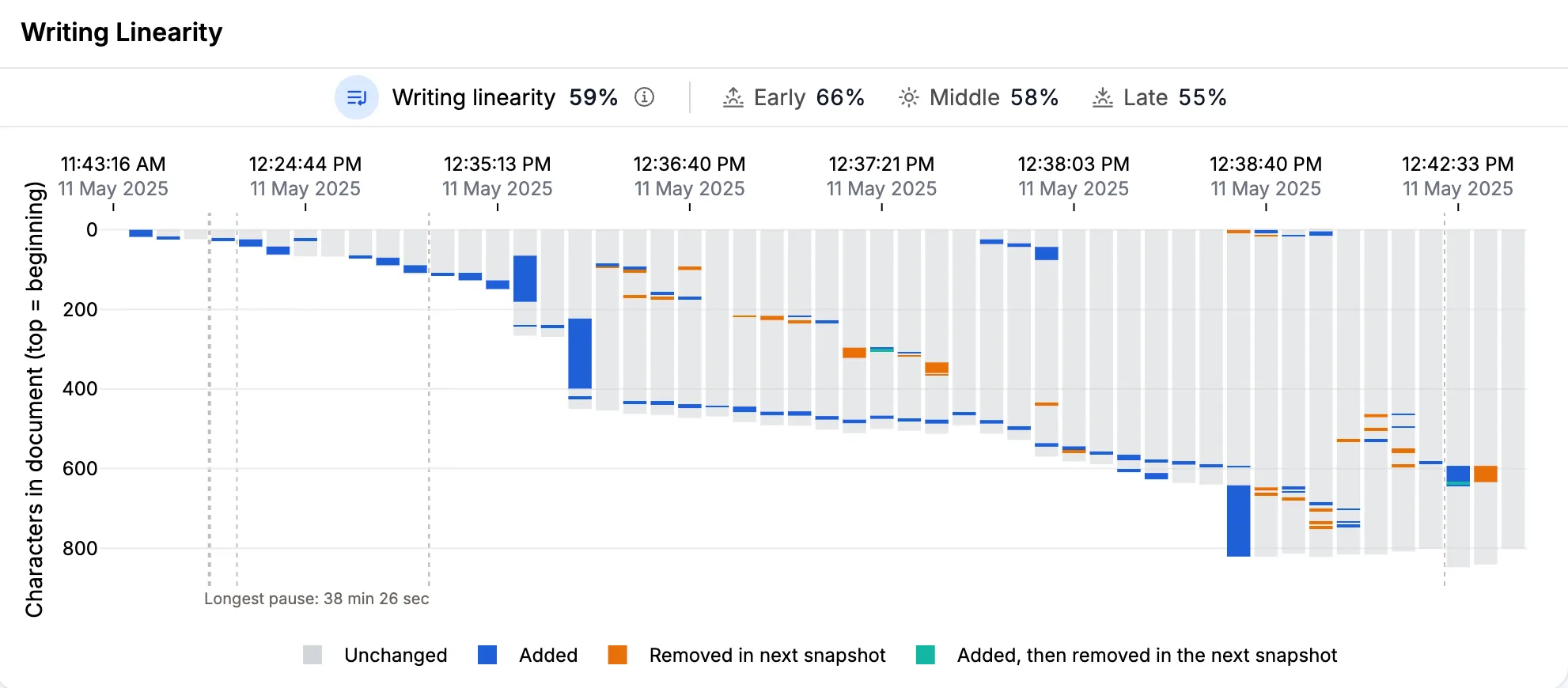
For how that time was distributed — the shape of the sessions and the gaps between them — see Writing Flow and Breaks. For which days the work happened on, see Daily Writing Activity.