Moodle Plugin for Teachers
Use Process Feedback inside Moodle writing activities without asking students to install anything, while keeping control over how writing process data is shared.
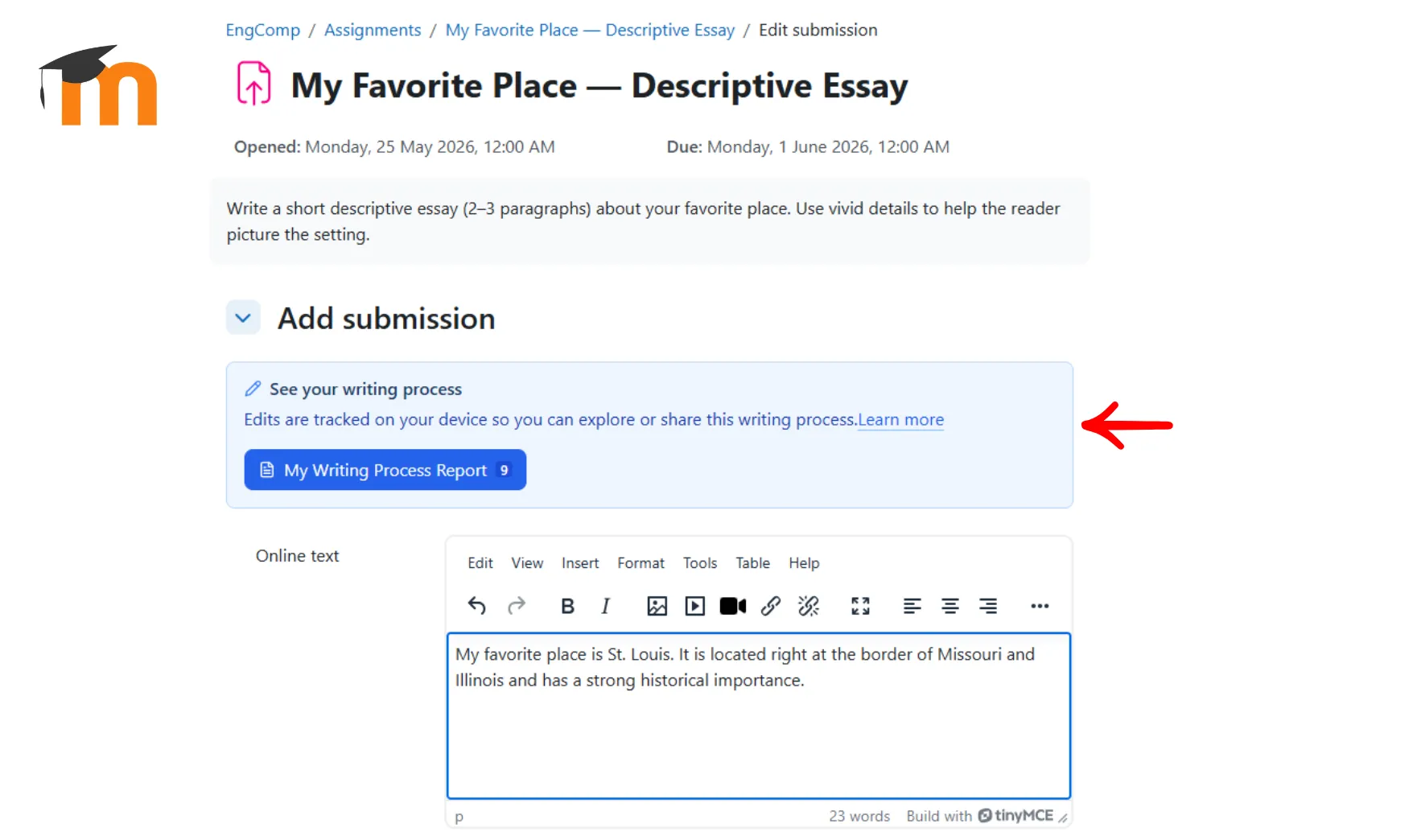
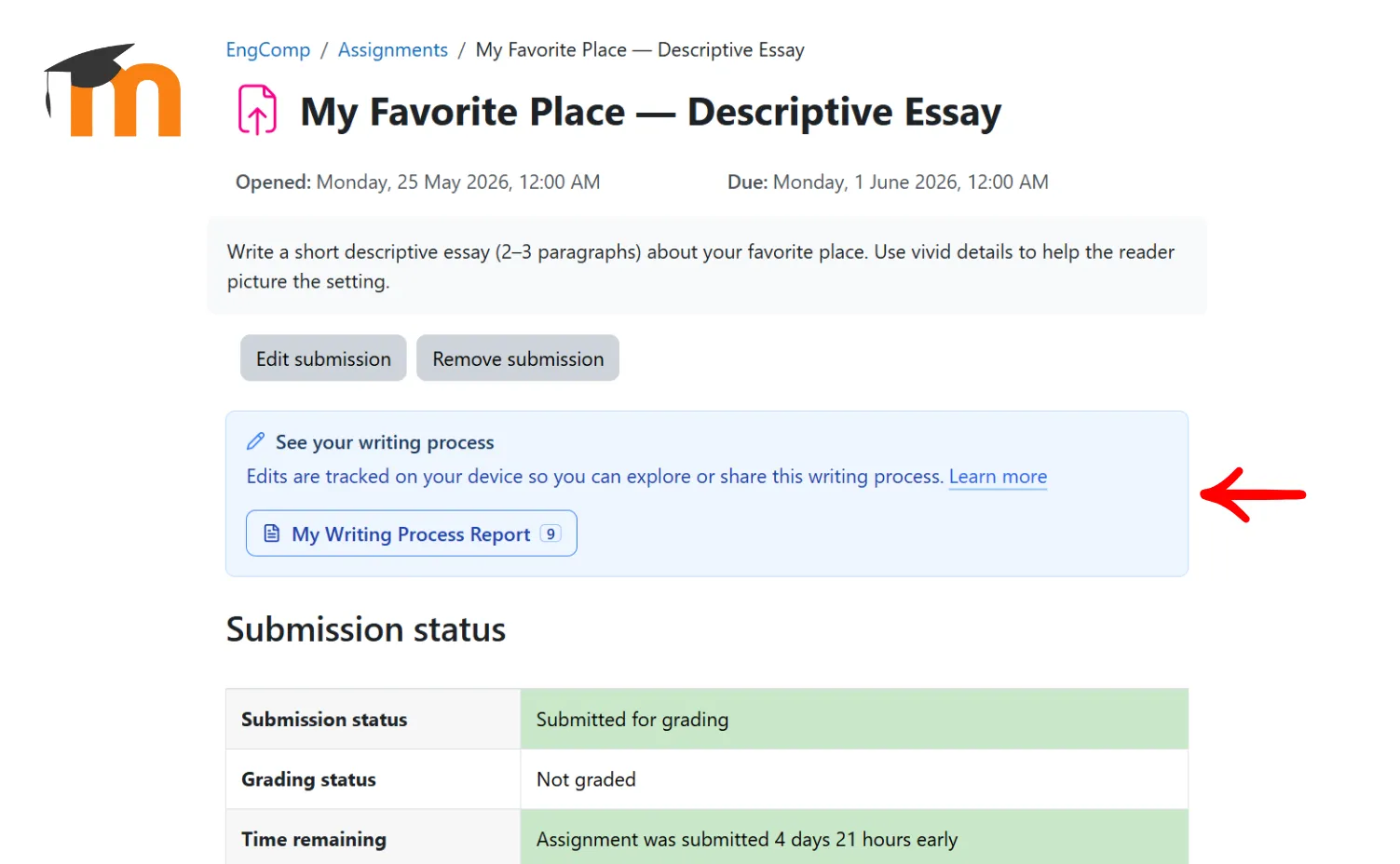
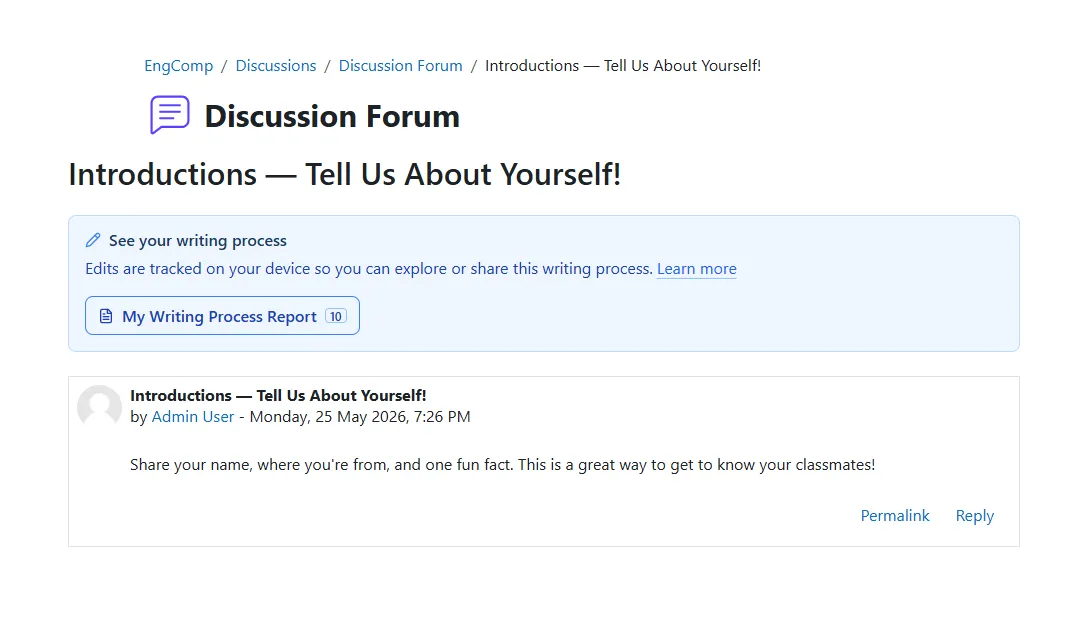
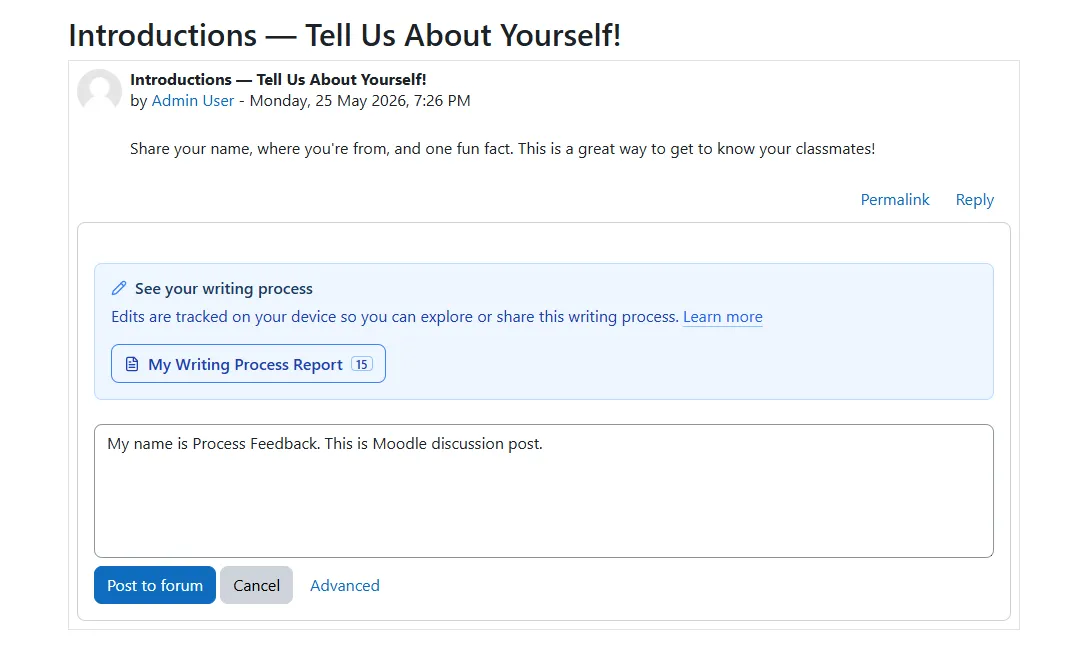
Use Moodle assignments and forums without adding another student setup step
The Process Feedback Moodle plugin is installed by your Moodle administrator and appears directly inside enabled Moodle writing areas. Students keep writing where they already work, while you gain a structured way to discuss drafting, revision, reflection, and writing integrity.
What teachers get:
-
Students do not install an extension or create a separate account -
The plugin works inside enabled Moodle assignments and forum discussions -
Students can review their report themselves, download a ZIP export, or open it in the Process Feedback web app -
The tool supports conversations about revision and AI use without turning Moodle into a surveillance system
Choose between manual sharing and assignment submission
The plugin is designed to complement, not replace, your existing course workflow. You can keep using Moodle for assignment instructions, deadlines, and grading while deciding whether students should share process data manually or include it automatically with an assignment submission.
Common teacher workflows include:
-
Use the local plugin by itself so students can review their own process and share it only when asked -
Ask students to submit their final writing in Moodle as usual and separately share a report or ZIP when reflection is part of the assignment -
Install the companion assignment submission plugin if you want process data stored with Online text submissions in Moodle -
Open submitted process summaries and files from the Moodle grading view when the assignment workflow is enabled
Writing process dashboard for teachers
Teachers can review student writing-process summaries from a single workflow instead of depending only on the final submission. When students share reports or when the assignment submission workflow is enabled, Process Feedback gives instructors a clearer view of drafting, revision, and unusual patterns.
-
Review each student's writing process without relying only on the final draft -
Spot copy-paste, AI use, and unusual writing patterns more quickly -
Support reflection and follow-up conversations with concrete process evidence
Students stay in control of their data
The plugin records writing activity locally in the student's browser. Nothing is automatically sent to a central Process Feedback server. By default, students decide whether to export or open their report, and assignment submission happens only when the companion assignment workflow is enabled in Moodle.
What this means for classroom use:
-
No default central collection of student writing behavior -
No extra student login requirement -
Clear boundaries around what stays local, what is exported, and what is submitted through Moodle -
A better fit for courses that want process insight with minimal data exposure
Next step for teachers
If you want to pilot the plugin, the main requirement is admin installation in Moodle. Your administrator can enable the local plugin for supported courses and add the companion assignment submission plugin for automatic assignment-side storage.

Looking for the Moodle plugin info page?
Return to the main Moodle plugin page to review the overall setup, privacy model, and pilot-access information in one place.