Moodle Plugin for Students
Keep writing in Moodle as usual, then use your writing process report to review or share how your work developed.
Write in Moodle as usual
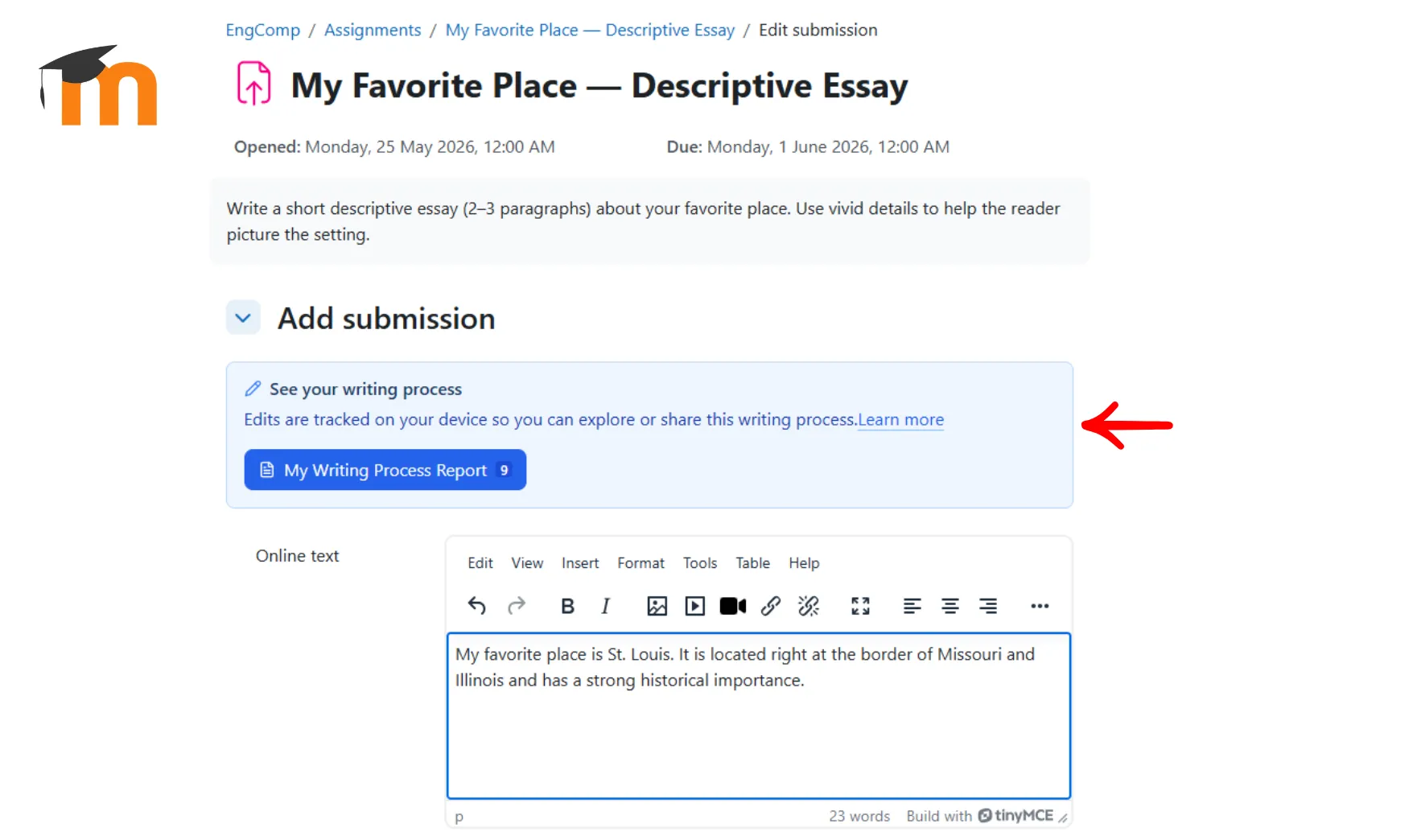
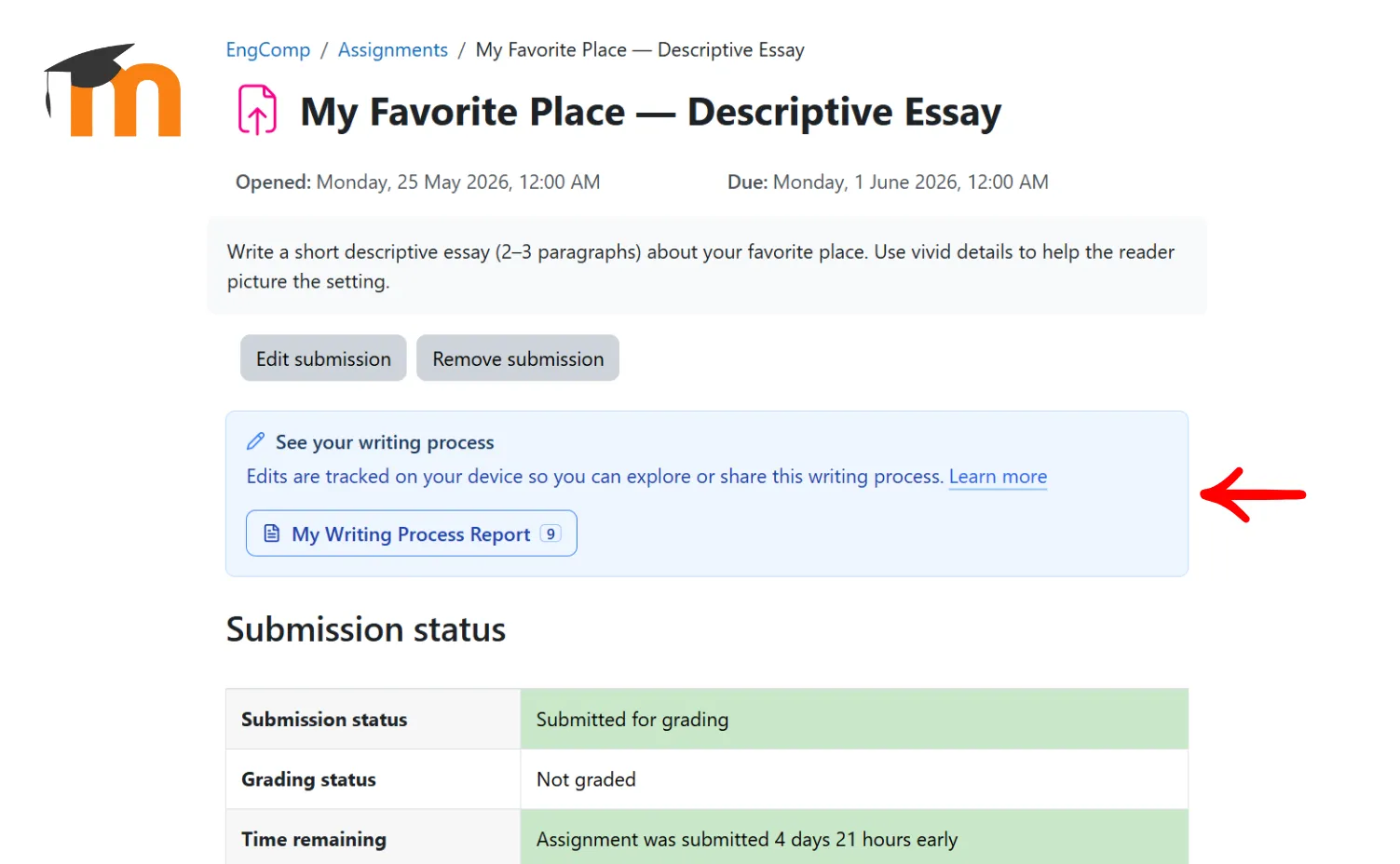
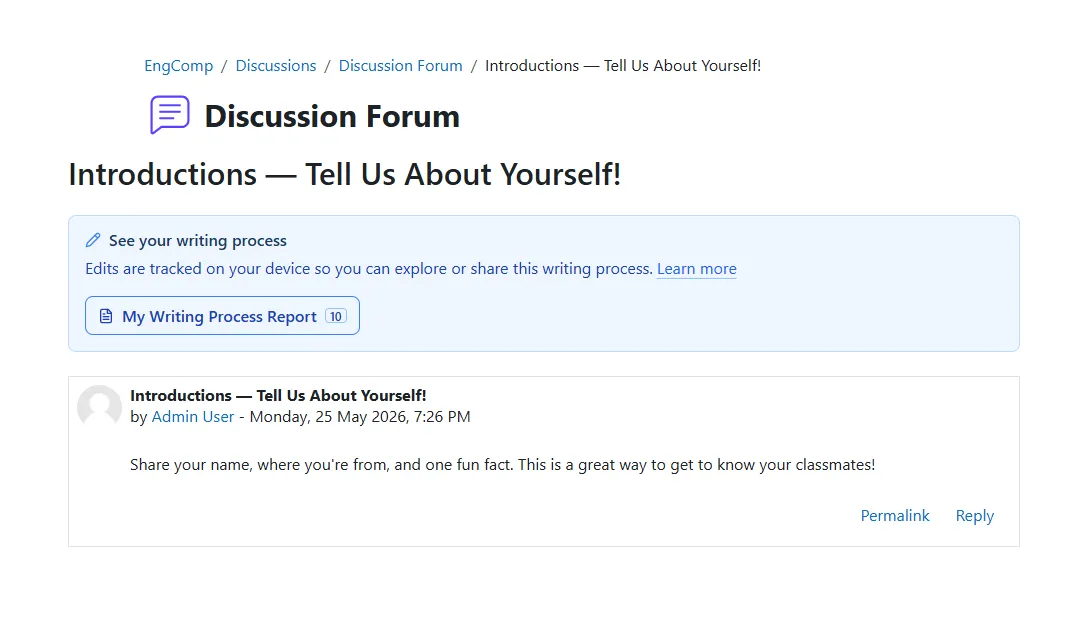
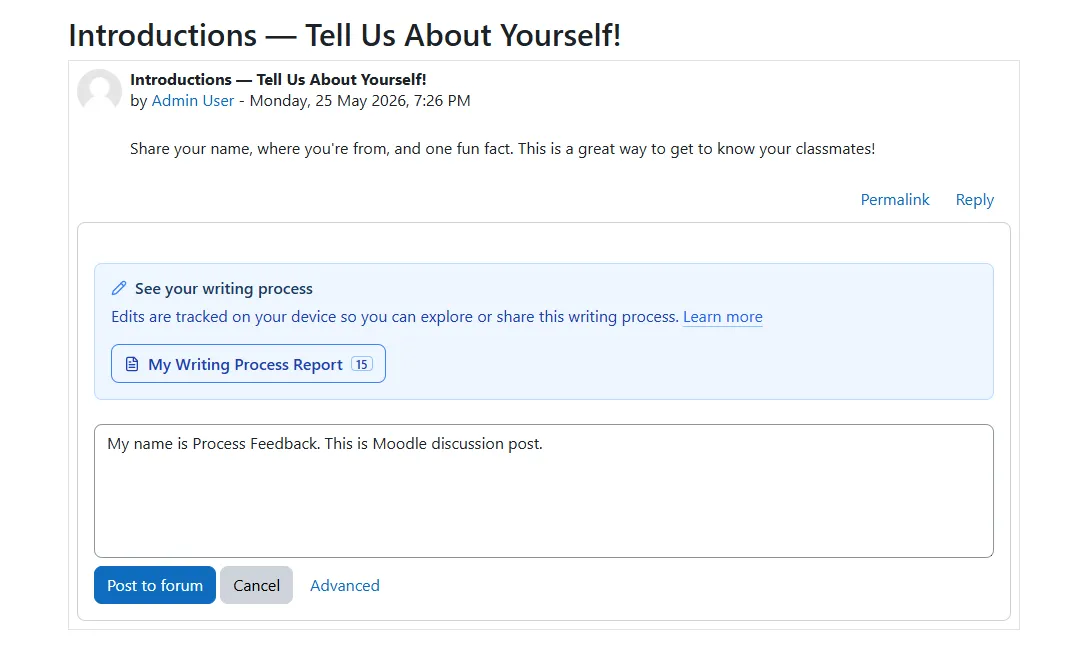
If your course uses the Process Feedback Moodle plugin, you keep writing in the Moodle editor you already see in your assignment or discussion activity. The difference is that Moodle also shows a "See your writing process" area so you can review how your draft developed over time.
What you do as a student:
-
Open the Moodle assignment or discussion page -
Write in the normal Moodle text editor -
Open "My Writing Process Report" when you want to review your drafting and revision history -
If your assignment uses automatic process-data submission, your writing process files can be included with that submission
See how your draft changed over time
The report is meant to help you reflect on your process, not just your final answer. It can show how you drafted, revised, pasted, paused, or reworked parts of your writing so you can better explain your choices.
Students often use the report to:
-
Prepare for a reflection assignment -
Explain how they revised a paper or discussion response -
Show evidence of drafting effort -
Download a ZIP export or open a report in the Process Feedback web app when they need to share their process
Generates a writing process report
At any point while writing in Moodle, students can open "My Writing Process Report" to review how their work developed over time.
-
Visualizations of writing and revision activity -
A structured summary students can review before sharing -
Designed for reflection, explanation, and communication about the working process
Your process data stays on your device unless you share it
The plugin stores writing process data locally in your browser on your own device. That means your writing activity is not automatically uploaded to a central server just because the plugin is present.
Important privacy details:
-
You do not need a separate Process Feedback account -
Your instructor does not automatically receive your process data unless the assignment is specifically set up to include it during submission -
If you clear your browser storage or switch devices, local data may no longer be available there -
You usually decide when to generate and share a report, download a ZIP, or open the web report

Need the full Moodle plugin overview?
Go back to the main Moodle plugin page to see how the plugin works overall, how institutions deploy it, and what setup options are available.