Teachers often choose paper for in-class writing because it protects academic integrity. But paper also limits revision, slows some students down, and makes it harder to support the real writing process. A better digital alternative to paper for in-class writing should preserve visibility into how the work was produced while still giving students a modern place to draft.
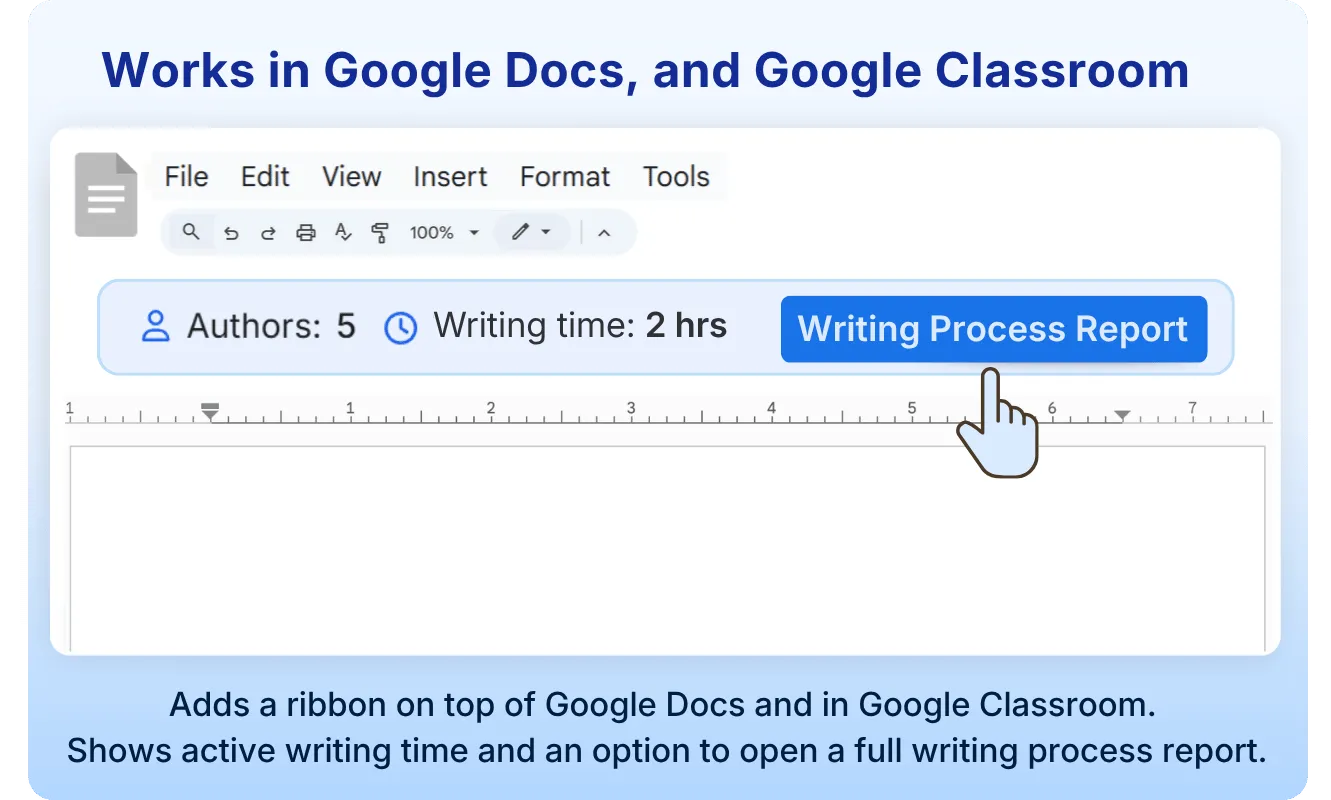
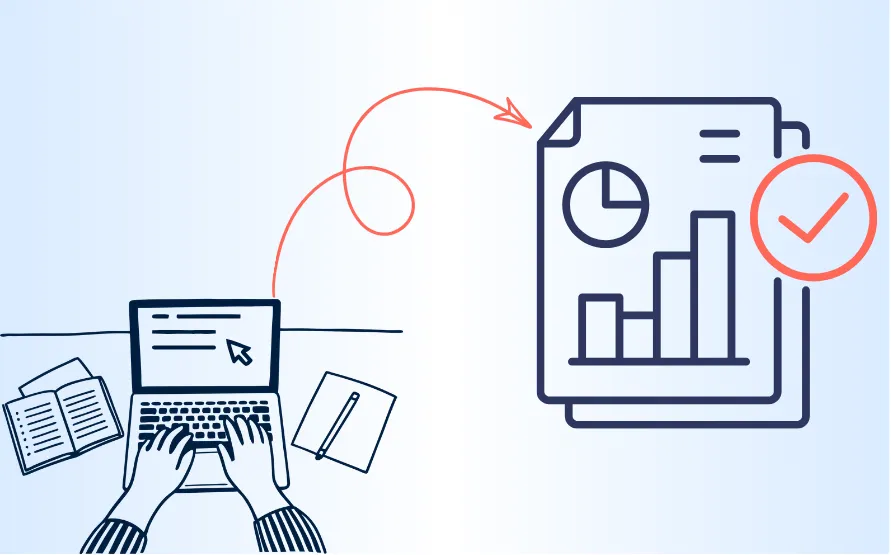
That is the problem Process Feedback was built to solve. It is a free online writing environment for classrooms that helps teachers see how students wrote, not just what they submitted. Instead of relying only on a final draft, teachers and students can review a writing process report that shows typing time, pauses, revision patterns, and copy-paste activity.
Why teachers still use paper for in-class writing
Paper remains common for classroom writing for understandable reasons:
- It reduces the temptation to copy and paste from another source.
- It makes unsanctioned AI use harder during a timed activity.
- It gives teachers confidence that the student in the room is the person doing the work.
- It is simple to explain and easy to supervise.
Those advantages matter in middle school, high school, and college classrooms. The problem is that paper solves the integrity problem by giving up many of the benefits of digital writing.
What paper costs students and teachers
When students write on paper, they usually lose:
- Easy revision and reorganization
- Accessibility tools that support different writers
- A faster drafting experience for students who think by typing
- A record of how the piece developed over time
- A natural bridge to reflection, conferencing, and feedback
For many classes, especially longer responses, paper can turn writing into a one-shot performance. Students who would have revised digitally often settle for whatever they can fit into the time. Teachers then have to infer effort from a final handwritten page.
What a good digital alternative to paper needs to do
Most digital writing tools focus on convenience. Classroom writing needs something more specific: process visibility.
A strong digital alternative to paper for in-class writing should let students draft naturally while still giving teachers enough evidence to trust the work. That is the gap most general-purpose writing tools do not fill.
Why most digital writing tools fall short
Tools like Google Docs and Microsoft Word are excellent for everyday writing, but they were not designed around in-class writing workflows. In a classroom, teachers often need to know:
- How long did the student actively write?
- Did the draft appear gradually or all at once?
- How much time went into drafting versus revising?
- Were there major pasted sections?
- Where did the student get stuck?
Traditional version history does not answer those questions clearly enough for a busy teacher. That is why many instructors who want digital writing still go back to paper.
How Process Feedback supports in-class writing
Process Feedback gives teachers a practical digital workflow without asking them to give up academic integrity.
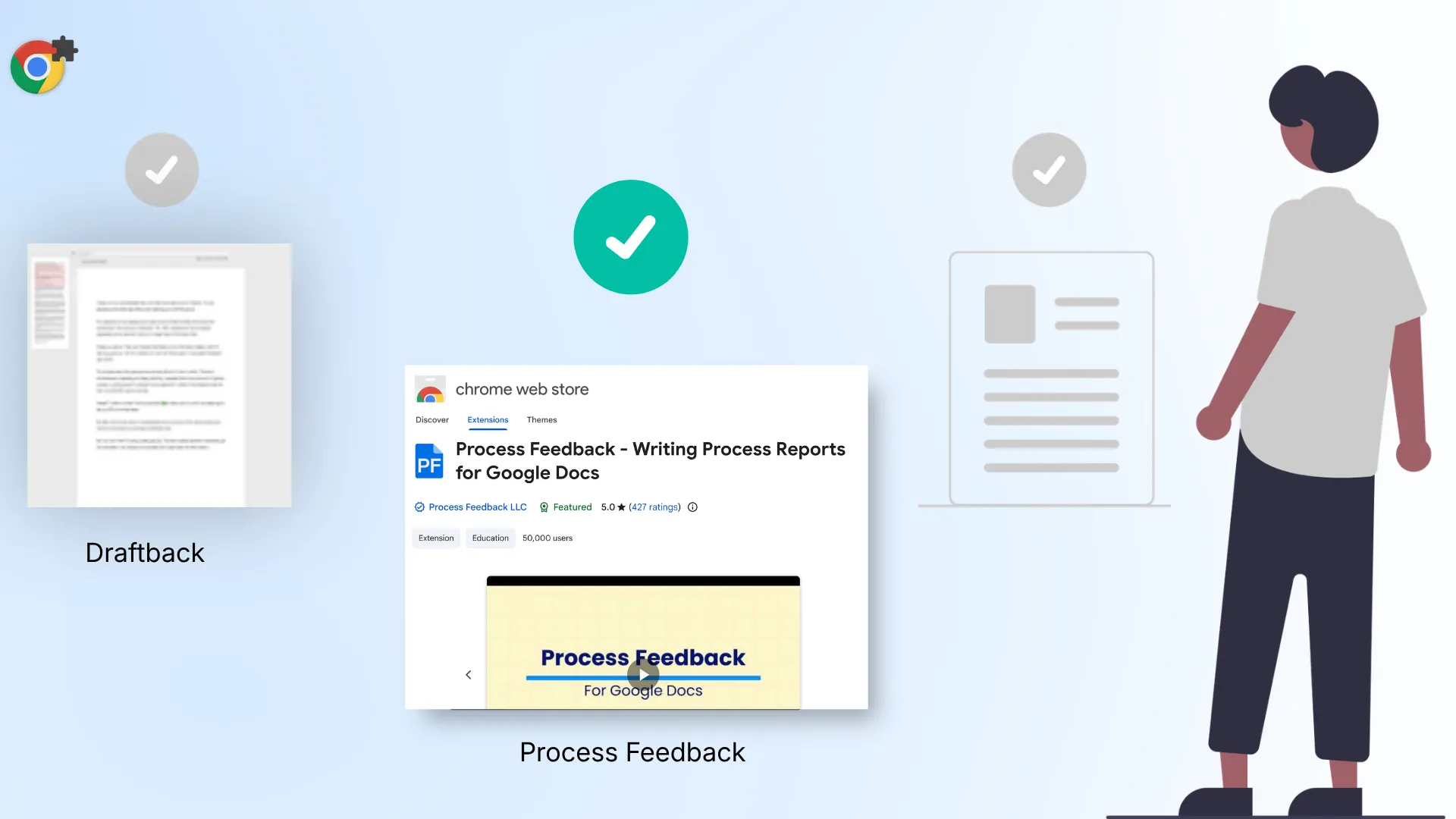
Students can write in the Process Feedback online editor or continue using Google Docs with the Process Feedback extension. In both cases, the goal is the same: make the writing process visible enough that teachers can focus on learning, feedback, and honest conversation.
For in-class writing, that means:
- Students can begin quickly without creating an account in the online editor.
- The editor is designed for classroom realities rather than general office work.
- The tool runs locally on the student’s device unless they choose to save their work online.
- Teachers can review typing time, pauses, revision patterns, and copy-paste attempts through a clear writing process report.
- Students can use the same report to reflect on their habits or demonstrate authorship when questions arise.
This changes the conversation. Instead of asking whether a student “looks suspicious,” a teacher can look at the actual writing process and respond with evidence and empathy.
A better fit for academic integrity in the AI era
In-class writing now sits inside a different environment than it did a few years ago. Students have constant access to AI text generation, autocomplete, paraphrasers, and paste-ready material. That does not mean every classroom should become punitive, but it does mean teachers need better visibility than a final draft alone can provide.
Process Feedback is a better digital alternative to paper because it preserves what teachers value about paper, namely confidence in authorship, while restoring what paper removes: revision, accessibility, and process-based feedback.
It also aligns with the broader educational goal behind Process Feedback: helping teachers move away from pure policing and toward research-backed conversations about writing, revision, and reflection.
When paper is still the right choice
Process Feedback is not meant to replace handwriting in every context.
Paper may still be the better choice when:
- You want a very short freewrite with no devices present
- The task depends on sketching, annotation, or diagramming by hand
- Screen access is limited in the room
- Handwriting itself is part of what you want students to practice
But when the goal is sustained composing, revision, or a more accessible classroom writing experience, a digital alternative to paper is often the better fit.
How to run digital in-class writing with Process Feedback
If you want to use Process Feedback for in-class writing, the setup is simple:
- Ask students to write in Process Feedback’s online editor or in Google Docs with Process Feedback.
- Tell students in advance that you care about the writing process, not only the final product. This teacher setup guide and classroom announcement can help.
- Have students submit or share their writing process report.
- Use reflection prompts to help students review their habits and growth.
That workflow gives students a fairer digital writing experience and gives teachers a clearer basis for feedback and academic integrity conversations.
The bottom line
If you are looking for a free digital alternative to paper for in-class writing, the best option is not simply a blank text box. It is a writing tool that keeps the process visible.
Process Feedback gives classrooms a way to keep the benefits of digital writing without losing trust in how the work was done.
Written by: Subodh Dahal